Roblox Game Icon Maker— square 512×512 icons, exported in your browser
A Roblox game icon is a square image, ideally 512×512 pixels, and it is the only image Roblox shows per locale — the tile players see on the Home page and beside your game's name. This page is a Roblox game icon maker that opens straight onto the 512×512 square: upload your own screenshot or photo, type a short title, drop in one sticker, and export a PNG. Nothing is uploaded to a server, there is no account to create, and no watermark is added. Because the official guidance says icons scale down to150×150 in places, every example below is designed to stay readable at that size.
What Roblox actually asks for
Every number in this table comes from Roblox Creator Hub'sasset documentation, and it is the full spec a Roblox game icon maker has to honour. Where the docs use the word "should" rather than "must", that difference is kept — an icon at 512×512 is a recommendation with a reason attached, not an upload error waiting to happen.
| Requirement | Value | What the docs say |
|---|---|---|
| Official size | 512 × 512 px, square | Docs: "use a template of 512×512 pixels" and it "should be square and at least 512×512 pixels". |
| Smallest display size | 150 × 150 px | Docs: "in some places on the Roblox site and app, icons scale down to smaller sizes like 150×150 pixels". |
| Accepted format | Image (square) | Docs: set the media type to Image, then confirm the file in the place Icon settings. |
| Before it shows up | Moderation | Docs: all icon images must pass moderation "before they appear to others on the Roblox platform". |
| How many | One per locale | Docs: "you can only display one icon per locale" — supplementary images go in the thumbnails tab instead. |
Full spec list, including the 1920×1080 thumbnail and the 3 MB upload ceiling, lives on theRoblox thumbnail size guide. The icon slot and the thumbnail slot are separate uploads with separate numbers: the icon is a 512×512 square shown as small as 150×150 in places, while the thumbnail beside it is a 16:9 1920×1080 image. Uploading a decal instead of an icon goes through the same Creator Dashboard upload and moderation queue but has its own size rules — those steps are in theRoblox decal upload guide.
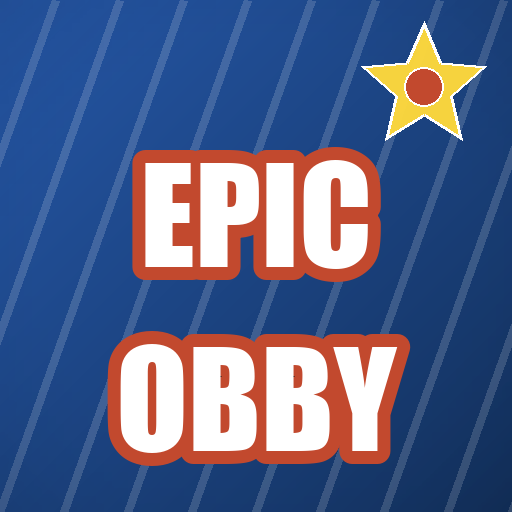
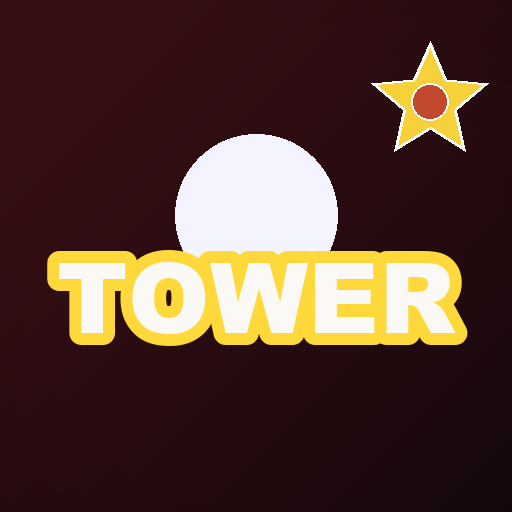
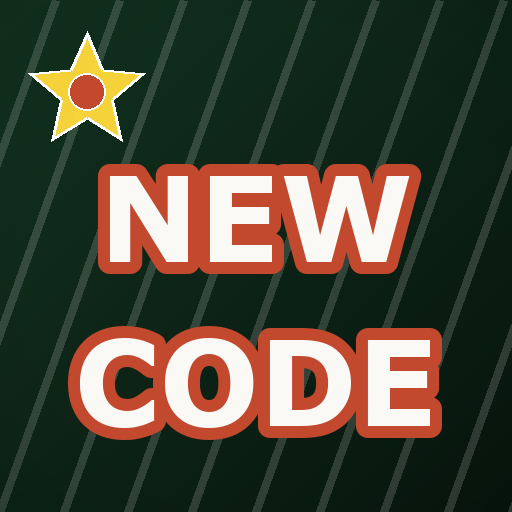
Three Roblox game icons, 512×512
These are real exports from the Roblox game icon maker above, not mockups. Each one is a square composition: a colour pair for the backdrop, one short title, one sticker in a corner. Copy the structure, not the words.
Why a square icon fails when it is a cropped thumbnail
Take a 1920×1080 thumbnail and squeeze it into a square and you lose the left and right thirds — usually the part with the obstacle or the character. A Roblox game icon maker should be composed for the square from the start instead.
At 512×512 an arrow is a third of the frame. Anything more than one accent mark reads as clutter once Roblox scales it to 150×150, which is the size a Roblox game icon maker is really being judged at.
Zoom the exported PNG out until it is thumbnail-small. If the title disappears, the title is too small — not the export.
A Roblox game icon maker that exports 16:9 will only give you a cropped icon. Square in, square out — the export size is set for you on this page.
Icon titles that survive 150×150
Type any of these into the headline box of the Roblox game icon maker, then replace the words with your own game. Shorter is almost always better — no Roblox game icon maker can rescue three lines of text in a square.
One word. Reads at 150×150 and still reads in a search result.
Names the genre, not the update. Genre words travel further than version numbers.
Signals fresh content to players who already have the game installed.
Role words are the fastest way to say what a social-deduction game is.
A short promise beats a full sentence. Four words is already generous.
Format words attract players who already know the genre and want records.
Colour by genre, straight from the docs
Roblox's own best-practices section says you can express a game's theme through colour and contrast, and it names three moods. The editor's backdrop palette covers all of them.
Tycoon, simulator, anything cute or family-friendly.
#F2994A / #C2492E
Survival, roleplay, story games.
#1B1B2F / #0A0A12
Horror and stealth — the official docs call this out by name.
#3A0D12 / #14060A
Where a Roblox game icon actually shows up
The icon is the one image that follows your game everywhere on Roblox. Unlike thumbnails, which rotate and personalise, the icon is a single fixed image per locale — so it is a branding decision, not a campaign.
- ▸The Home page grid, where it competes with hundreds of other tiles at small size.
- ▸Search results and "similar experiences" rails.
- ▸Anywhere the game is named — profile visits, group pages, invite links.
- ▸The place settings screen itself, the first thing you see after uploading.
How to make a game icon on Roblox
Four steps in the Roblox game icon maker above, then one upload in Creator Dashboard. Nothing needs Roblox Studio — the icon is just an image file.
- 1Choose a source image that shows what the game is — a screenshot with a clear subject beats a logo.
- 2Type one or two words. Pick a style with a thick outline so the letters survive 150×150.
- 3Add at most one sticker, in a corner, away from the title.
- 4Export 512×512, then in Creator Dashboard go to Configure → Places → your start place → Icon, set the media type to Image, and upload the PNG.
Where game icons go wrong
These four account for most low-click icons. None of them are design-skill problems.
- !Artwork with no subject. An ambiguous graphic in one corner tells a player nothing about the genre.
- !Three or more lines of text, which turn to mush the moment the tile shrinks.
- !A dark icon with dark text — invisible at small size and invisible in dark-mode UI.
- !The default auto-generated icon left in place after the first publish, which every player on the platform has already seen.
›How do I make a game icon on Roblox?
Make a square 512×512 image: a screenshot or photo, one or two words of title with a thick outline, and at most one sticker. Export it as a PNG, then upload it in Creator Dashboard under Configure → Places → your start place → Icon. The icon must pass moderation before other players see it. The Roblox game icon maker on this page does the square part for you.
›What size should a Roblox game icon be?
512×512 pixels, square. Roblox Creator Hub says to use a 512×512 template and that an icon should be square and at least 512×512 pixels. Export larger than that and it will simply be scaled down for display. The Roblox game icon maker on this page exports exactly 512×512.
›Does my icon have to be exactly 512×512?
No, but 512×512 is the size the docs recommend and the one this editor exports by default. The requirement is that it is square and at least 512×512, so a 1024×1024 square also works — it will simply be scaled down for display.
›Why does my icon look blurry on Roblox?
Usually one of three things: the source image was upscaled from a small screenshot, the icon is not square so it is being stretched, or the file is heavily compressed. Export at 512×512 from a full-resolution source in a Roblox game icon maker that respects the square, then check the preview at small size before saving.
›Can I use my 1920×1080 thumbnail as the icon?
You can, but it will be cropped to a square and you will lose the left and right thirds of the composition. Compose a separate square image instead — the icon is a different format with a different job.
›How many icons can a Roblox game have?
One per locale. Roblox lets you display a single icon per locale; additional images and videos go into the thumbnails section of your place settings instead.
›Does this icon maker use AI or add a watermark?
No to both. It lays your own image, your own text and built-in stickers on a canvas in your browser — nothing is generated and nothing is uploaded. There is no sign-up and no watermark on the exported PNG.
›Is there a no-AI Roblox game icon maker?
This page is one. The icon is assembled from a canvas: your screenshot or a gradient, your own words, and the built-in sticker set. No image model is called at any point, so the result is reproducible — the same inputs give the same 512×512 PNG every time, which is what you want when an icon has to stay consistent across locales.
›What size does Roblox actually display an icon at?
The docs note that in some places on the site and app, icons scale down to around 150×150 pixels. That is why the examples on this page are built to stay readable when small — preview your export at that size before uploading.
More makers
Same editor, different opening preset — every page below drops you into a canvas already set up for that game's colours, export size and title patterns.
1920×1080 covers, no watermark
One editor, a preset for every game
How the no-model workflow works
Upload, moderation and Studio steps
512×512 plus the 150×150 display trap
How an upload becomes an rbxassetid number
Neon type and particles without 3D rendering
Grass-block, Nether and End backdrops at 1280×720
Night palette for clutch and chase titles
Team-colour PvP and bed-break frames
Harvest and update covers
Loud meme titles for collection games