8 headline styles · 15 stickers · 38 backdrops — free to make, one watermark-free export a day, no sign-up.
Roblox Thumbnail MakerFree online editor — 1920×1080 covers that get more clicks
ThumbBlitz is a free browser-based Roblox thumbnail maker that turns your own screenshots into 1920×1080 thumbnails — no sign-up, no watermark, nothing uploaded to a server. Drop in a screenshot you already took, type a headline, pick a style, add stickers, export. Everything happens in this tab, and there is no AI guesswork.
- No AI generationYour screenshot and your headline. Nothing is synthesised.
- Never uploadedImages stay in this tab — there is no upload endpoint.
- Export before you closeNothing is saved between visits. Download the PNG first.
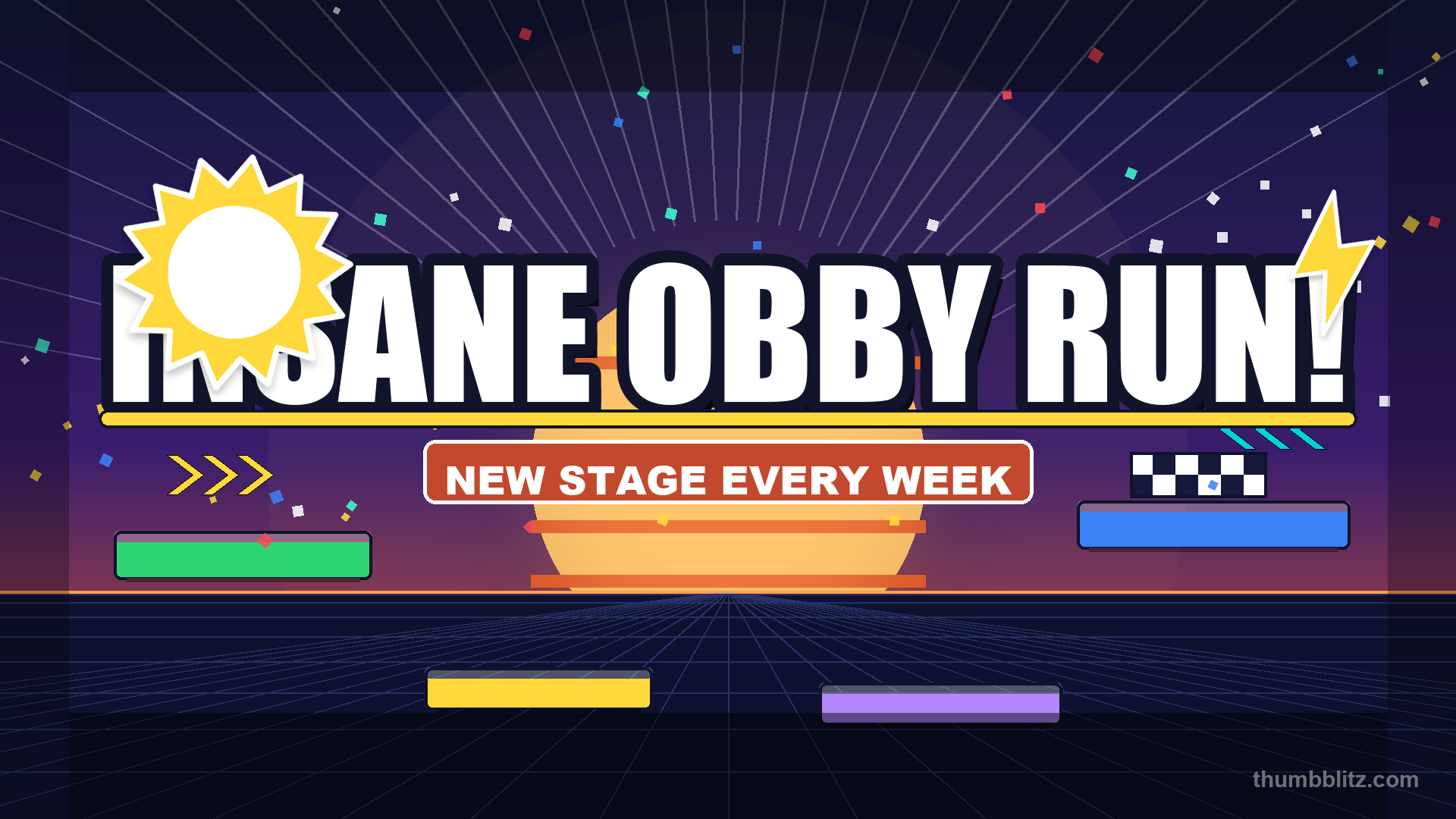
A Roblox thumbnail maker is a tool that takes a gameplay screenshot you already have and turns it into a publishable cover: it adds a bold headline with an outline, drops in stickers, and exports at 1920×1080 — the official Roblox thumbnail size at 16:9. This one runs entirely in your browser, so your screenshot is never uploaded to a server, and it adds no watermark. It is also not an AI generator: nothing is invented, so the cover always matches the game players will actually load. It is free with no sign-up. For a square 512×512 game icon, use the game icon maker; for dark, tension-focused covers, the MM2 thumbnail maker.
Before → after: what the editor does
A raw gameplay screenshot is flat and unreadable in a search feed. One quick pass in this editor adds a bold outlined title, drop shadow and stickers — the difference between a skip and a click.
The image straight out of Roblox — no title, no focal point, nothing that says "click me".
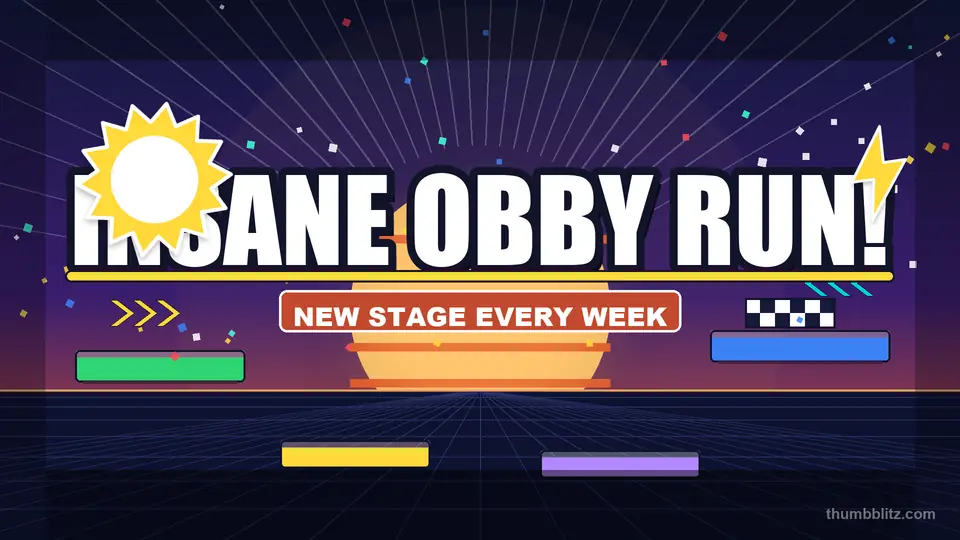
After a two-minute pass in ThumbBlitz — headline bold, outlined and shadowed, stickers placed, exported at 1920×1080. Made with this page.
Try it on your own screenshot in the editor above — no account, no watermark, one export a day.
One tool, every name people search for
Search engines split the same need across a dozen words. The editor below is the answer to all of them — there is no separate "generator" or "app" you have to buy to get the real editor, and no second Roblox thumbnail maker hiding behind a sign-up wall either.
A generator implies it invents pixels. This one starts from the screenshot you already captured.
Creator tools are usually desktop downloads. This runs in the browser with nothing to install.
Need to retitle an old thumbnail? Load it, change the headline, export again.
No app store, no install, no update — the same editor on any phone or laptop browser.
Free is one watermark-free export a day — no account, no credit card. Pro lifts the daily limit.
No email field, no login wall, no trial timer. Open the page and start.
Everything runs client-side, so "online" here just means "in your browser".
Pick the page built for your job
Each link opens ready for its job — the right export size, the right backdrop presets, or the right crop frame. Nothing to install and no account to create.
Start without a screenshot — every template opens pre-configured.
Square 512×512 icons, opened on the square canvas.
Dark night backdrops for Murder Mystery 2 covers.
Same editor, obby-tuned layouts and titles.
Exact pixels, aspect ratio and icon size specs.
Screenshot to publish in five steps.
Which export size should I use?
One capture, three destinations — this Roblox thumbnail maker re-renders the same layout at each spec, so you never recompose by hand.
| Export size | Aspect | What it is for |
|---|---|---|
| 1920×1080 | 16:9 | Roblox game thumbnail — the cover shown in search and on your profile. |
| 1280×720 | 16:9 | YouTube video thumbnail — YouTube's official thumbnail requirements ask for 1280×720 or larger, 16:9, under 2 MB. |
| 512×512 | 1:1 | Roblox game icon — the square search-result icon, made in the game icon maker. |
From video link to thumbnail
Your gameplay upload is already the thumbnail material — the frame that makes people click is usually sitting in the VOD. We're building a video-to-thumbnail step for YouTube: paste a link to your own upload, pull the frame you want, and finish it in the same editor — from video link to exported 1280×720 cover.
Pasting from URL is on the roadmap too: drop in any YouTube video URL, pick the frame, and crop it with the Roblox thumbnail sizesthat already ship with ThumbBlitz.
Neither mode is live yet — they're in the build queue. Leave your email and we'll write to you the day video-link thumbnails ship. One message, no list spam.
Making thumbnails today: start with the thumbnail maker, then read how gaming creators A/B test YouTube thumbnails.
When do you need a new thumbnail?
A thumbnail is the only part of your game most players will ever see before they click. It shows up in search results, in the "More like this" rail, and on the front page of your profile — usually as a small square on a busy screen.
- ▸You just launched a new place and the default screenshot looks flat.
- ▸You updated a level and the old thumbnail no longer matches it.
- ▸You want a consistent title style across every game you publish.
- ▸You need a YouTube thumbnail from the same gameplay capture.
How do you make one from a screenshot?
Three taps to a finished thumbnail. No account is created at any point.
- 1Capture your gameplay — Win+Shift+S on Windows, or your platform's screenshot button.
- 2Drop it into the editor above, type the headline, pick a style preset.
- 3Export 1920×1080 and upload the file in your game's settings under the thumbnail slot.
What doesn't this tool do?
It is deliberately narrow. Stating the limits up front saves you from discovering them after a long session.
- !No AI generation — this Roblox thumbnail maker will not invent a scene you never captured.
- !Only your own screenshots. Do not feed in artwork you do not have rights to.
- !No background removal, retouching or upscaling.
- !Nothing is saved between visits — export before you close the tab, because no Roblox thumbnail maker on this site stores your work for you.
- !Fonts are limited to safe system faces so exports render identically everywhere.
›Is ThumbBlitz free to use?
Yes. Every style, sticker and export size is available with no account and no credit card, and you get one watermark-free export a day. Pro ($4.99/month or $29/year) removes the daily limit and exports every size at once.
›Do downloaded thumbnails have a watermark?
No. Every export — 1920×1080, 1280×720 or 512×512 — downloads as a clean PNG with no watermark, logo or badge stamped on it.
›Is this Roblox thumbnail maker free?
Yes — one watermark-free export a day, no credit card. Every style, sticker and size works on the free plan; Pro only lifts the daily limit.
›Do you upload my screenshot to a server?
No. The file is read with a local browser API and drawn onto an on-device canvas. It is never sent anywhere, which is also what the privacy page states.
›Is this an AI thumbnail generator?
No. It is a layout editor: you bring the screenshot, it handles typography and stickers. Nothing is synthesised, so the result is always what you saw. That is the main difference between this Roblox thumbnail maker and the AI generators that produce an invented scene nobody captured.
›What size does it export?
1920×1080 by default — the official game thumbnail specification. You can switch to 1280×720 for YouTube thumbnails or 512×512 for a game icon without recomposing anything.
›What file types can I upload?
PNG, JPG and WEBP all work. Larger screenshots are scaled to fit the canvas, so a 4K capture is fine.
›Do I need an account?
No sign-up exists in the product at all. Open the page, make the thumbnail, download it.
›What is the best Roblox thumbnail maker?
The one you will actually finish with. This one has no account step, no watermark and no AI generation, and gives you one export a day — you upload the screenshot, set the headline, export 1920×1080 in about a minute. Paid generators are worth it only if you need background removal or upscaling, neither of which this tool claims to do.
›Is there a Roblox thumbnail maker that works without Roblox Studio?
Yes, and this is the normal case. Roblox Studio is for building the place; the thumbnail is just an image file uploaded through Creator Dashboard. Everything here happens in a browser tab, so Studio never needs to be open.
›Can I make a Roblox thumbnail maker style cover for free?
Yes — one watermark-free export a day, no credit card, nothing to cancel. Pro is $4.99/month or $29/year if you need unlimited exports.
›What's the best game thumbnail maker for Roblox games?
A game thumbnail maker has to hit the official 1920×1080 spec, stay legible at search-result size, and never watermark the export. This Roblox thumbnail maker does all three in the browser: upload the capture, set the headline, download. For a YouTube variant of the same capture, switch the export to 1280×720; for the square search icon, use the 512×512 export or the dedicated game icon maker.
›Do you have a thumbnail creator for Roblox beyond this page?
The generator, creator and editor names all point at the same tool on this page — plus two variants tuned for specific jobs: a 512×512 game icon maker and an MM2 thumbnail maker with darker presets. The step-by-step tutorial in the blog covers the full workflow if you prefer reading before you start.
›Can I use this as a thumbnail maker for Roblox on a Chromebook or tablet?
Yes — it is a browser tool with no install, so any device that runs a current browser works. The canvas reads your screenshot locally and exports the same 1920×1080 file everywhere.
›What size is a Roblox thumbnail?
1920×1080 pixels at 16:9 is the official game thumbnail size; the game icon is 512×512. The full breakdown of dimensions, aspect ratio and what Roblox crops sits in the Roblox thumbnail size guide