Roblox Thumbnail Size— 1920×1080, 16:9, plus icon and YouTube specs
Short answer: 1920×1080, 16:9, PNG under 3 MB. The table below has the rest — every number is taken from the Roblox Creator Hub documentation rather than copied from a blog.
Quick facts
- Export sizes
- 1920×1080 for a Roblox game thumbnail, 1280×720 for YouTube, 512×512 for a Roblox game icon — all three presets live in the editor.
- File format
- PNG by default. Anything over 2.8 MB is re-encoded as JPG so the file stays under the 3 MB upload limit Roblox documents for game thumbnails.
- Where the image goes
- Nowhere. Decoding, editing and encoding all run inside the browser tab — the site has no upload endpoint.
- Account and watermark
- No sign-up and no watermark. one free export a day, then Pro.
- Batch behaviour
- Thumbnails are exported one at a time. A second button exports three backdrop variants of the same layout in one pass.
- How the artwork is made
- Text, stickers and gradient backdrops are drawn with the canvas 2D API. No generative model is involved, and your own screenshot stays the base layer.
These facts are read from this site's own export code; the 3 MB figure is quoted from Roblox's own upload documentation.
Is your image the right size?
Load any image and see its exact pixels, aspect ratio, and whether it will be stretched on upload. The file is read in this tab — nothing is sent anywhere.
Roblox thumbnail aspect ratio: 16:9, and the ratios that cause problems
The size and the ratio are one decision, not two. 1920 divided by 1080 is 1.78, which is 16 divided by 9 — so the number the docs give and the ratio the docs give describe the same file. Export at anything else and Roblox fits your image into a 16:9 slot: it either stretches or leaves bands, and the Creator Hub lists “not in 16:9 aspect ratio” among the common quality problems it checks for.
1920×1080 for the game page, 1280×720 for a YouTube version of the same capture. Same shape, so the layout carries over without recomposing.
512×512 is a different upload slot, not a crop of the thumbnail. Theicon size pagelists how far it scales down.
No Roblox surface takes a vertical thumbnail. Keep the vertical crop for Shorts and TikTok, where the slot is genuinely 9:16.
Every dimension in one table
Each row is a distinct upload slot. They share a 16:9 master, so you normally design once at 1920×1080 and derive the rest. Don't want a blank canvas? Thefree thumbnail templatesalready open in this slot, sized and framed for you. If you want to know what size an existing cover is actually served at, thethumbnail downloaderreports the real pixel dimensions of every size a video carries. Publishing the same clip as a video? TheYouTube chapter generatorbuilds chapters from its subtitles, andA/B testing a YouTube thumbnailcovers what the current setup does and does not show.
The game icon maker opens on the square canvas with the same spec table loaded.
Dark backdrops and outlined titles, exported at the same 1920×1080.
Decals leave through the same Creator Dashboard upload and moderation queue, with their own image rules — the decal upload guide walks the steps.
| Asset | Size | Ratio | Formats | Notes |
|---|---|---|---|---|
| Game thumbnail (detail page) | 1920 × 1080 px | 16:9 | .jpg .gif .png .tga .bmp | Docs: "should be 16:9 aspect ratio and ideally 1920×1080 pixels". Up to 10 images or videos per detail page. |
| Game thumbnail (Home page slot) | 1920 × 1080 px | 16:9 | .jpg .png | Keep these "under 3 MB and 1920×1080 pixels"; 2–5 thumbnails set active per Home page. |
| Game icon | 512 × 512 px or larger | 1:1 | square image | Docs: "should be square and at least 512×512 pixels" — it also renders as small as 150×150. |
| Game pass icon | max 512 × 512 px | 1:1 upload, shown round | .jpg .png .bmp | Docs: must not "include important details outside of its circular boundaries" — the corners are cut. |
| Uploaded video thumbnail | 16:9 slot | 16:9 | video upload | Same 16:9 surface as the image slot; no separate pixel figure is published. Authentic gameplay only, quota 3 uploads/month. |
| Player avatar (engine-returned) | 48 → 420 px | 1:1 | not an upload | Seven fixed sizes in the ThumbnailSize enum — returned by the API, never drawn by you. |
| YouTube video thumbnail | 1280 × 720 px | 16:9 | .JPG .GIF .PNG | Minimum width 640 px, file under 2 MB. Cross-post only — Roblox does not accept 720p as a game thumbnail. |
| YouTube Shorts thumbnail | 9:16 recommended | 9:16 | .JPG .GIF .PNG | Set in YouTube Studio on a computer; the vertical ratio is the opposite of every Roblox slot. |
Sources, all checked 2026-11-16:Roblox Thumbnails,Roblox Icons,Roblox Passes,ThumbnailSize enum,YouTube custom thumbnails andGoogle's YouTube thumbnail spec. TikTok and Discord are not in the table on purpose: neither publishes a hard pixel requirement for cover images, and a number without a source is worse than no row.
The same export at 384 and 150 px wide
Compositing at 1920×1080 is only half the job — the tile that gets clicked is often a few hundred pixels wide. Below are three exports made on this site (no stock art), each downscaled from its own 1920×1080 master with a standard Lanczos resampler and then shown at itsreal pixel width, so what you see is the actual file, not a CSS squeeze.
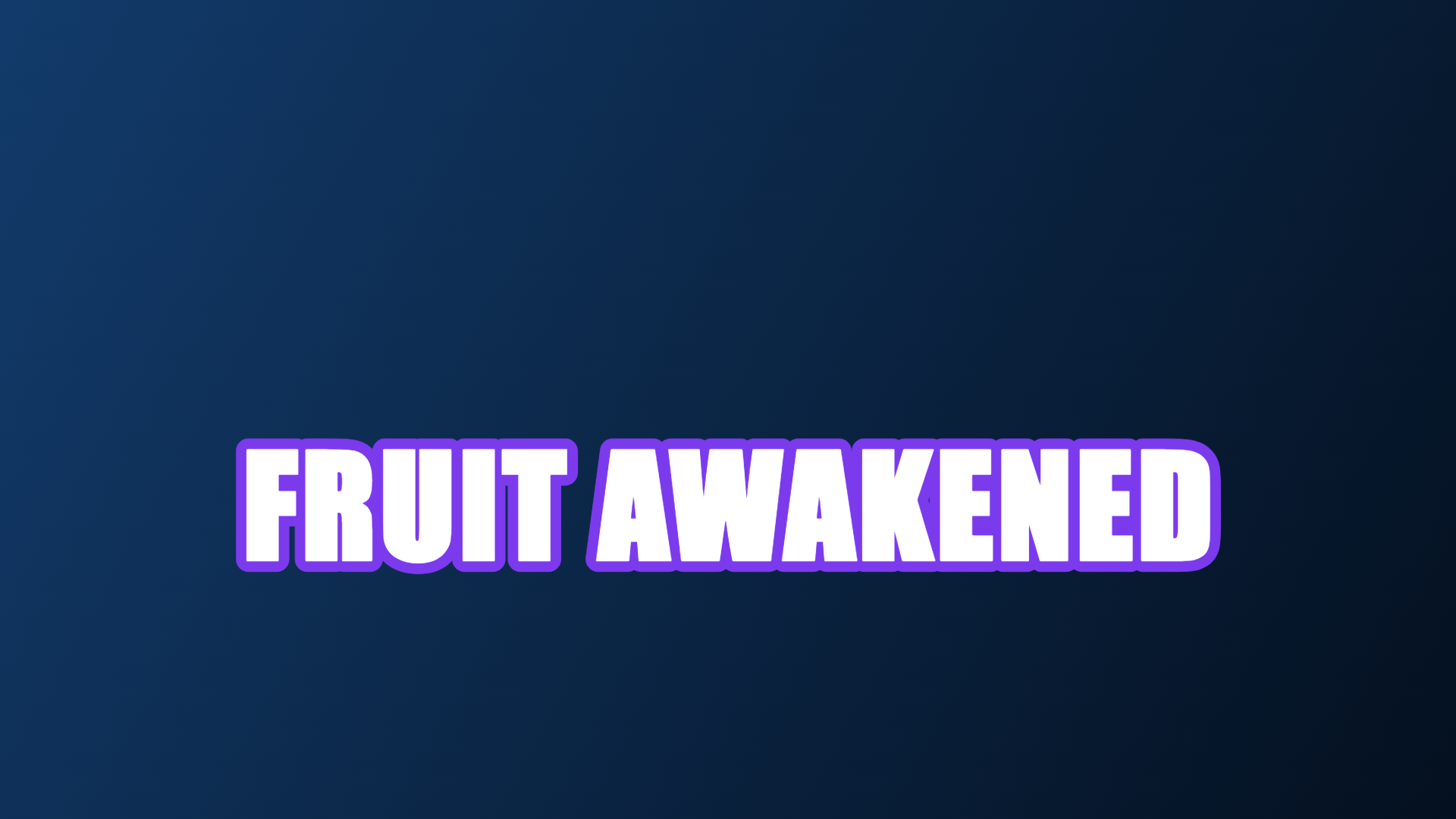
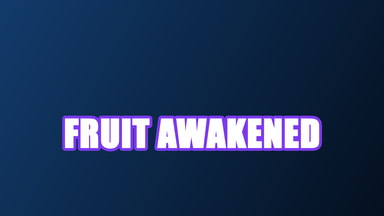

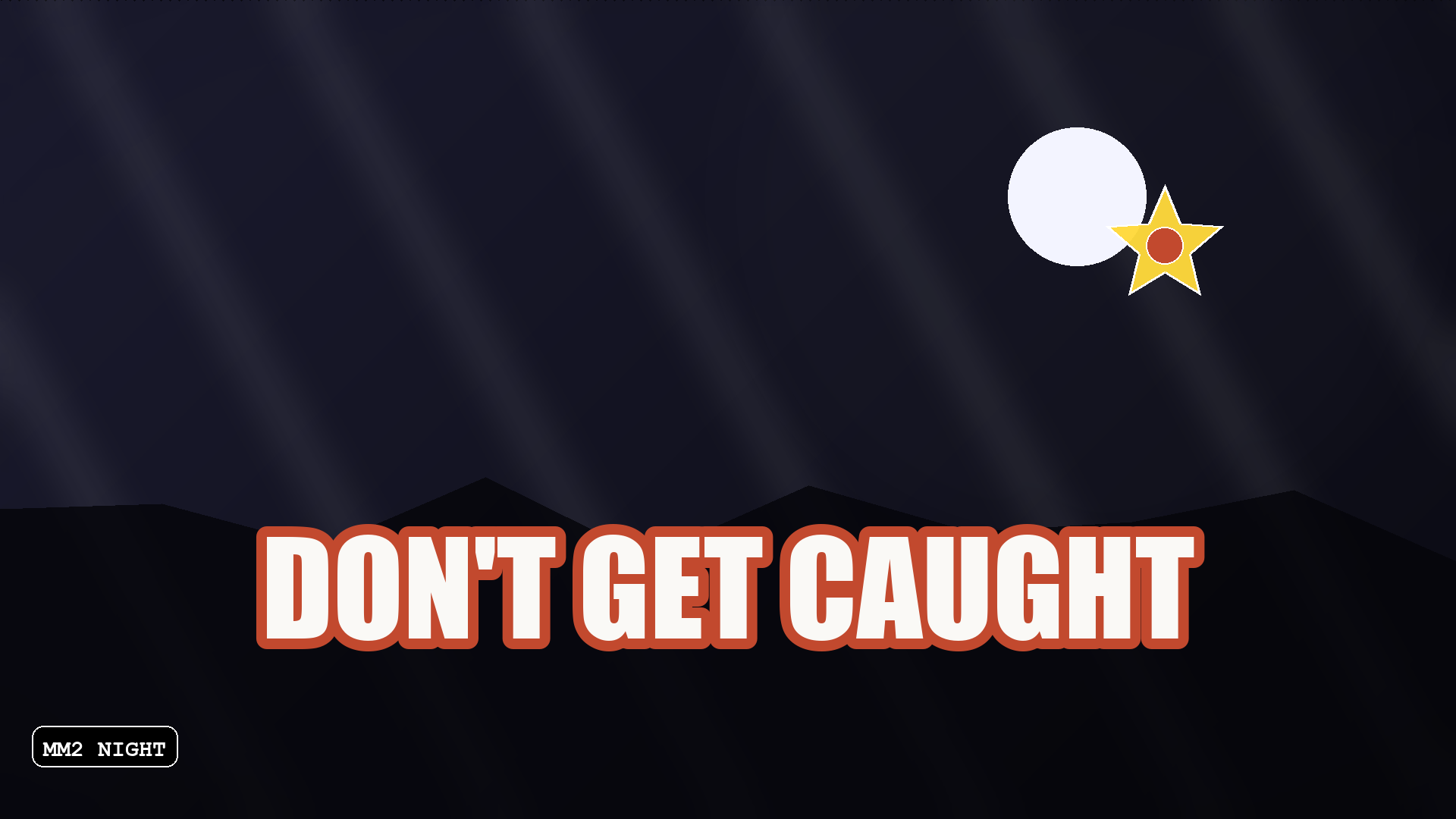
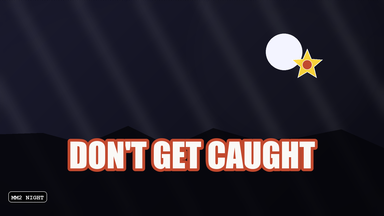
What the three steps show: outline and heavy fills survive the 150 px step, thin strokes and small captions do not. Nothing here is a platform requirement — it is the same artwork at three sizes, and the 150 px version is where a long title stops being readable.
A 4:3 or square upload is letterboxed into the 16:9 slot. Those white bars are the tell-tale sign of a thumbnail that was never sized correctly.
Text scaled down stays crisp; text scaled up turns to mush. Starting at the largest official size means every derived crop still reads. Still working on the type? You canedit text in your imagein the browser before you export.
Icons render at 150×150 and thumbnails sit in a crowded grid — that is the same 150×150 a game icon is shown at, which is why the icon has its ownRoblox game icon sizepage. Shrink your preview to that width — if the title stops being readable, the title is too long.
Player thumbnails have their own sizes (48 → 420 px)
“Roblox thumbnail size” means two different things depending on who is asking. If you are uploading cover art for a game, it is the 1920×1080 figure above. If you are writing a script, or building a player list, a leaderboard or a friend panel, it is the size of anavatar thumbnail — a square image the engine requests in one of seven fixed sizes.
Roblox’s ownThumbnailSize enumlists exactly seven: 48×48, 60×60, 100×100, 150×150, 180×180, 352×352 and 420×420 pixels. A script picks one of them when it asks the API for a player’s avatar; the request is answered with a square image at that size, ready to drop into an ImageLabel.
None of these is an upload specification. You never draw a 48×48 file — Roblox renders the avatar itself and hands back the size you asked for. The 1920×1080 / 512×512 numbers above are the opposite case: files you create and upload — and once uploaded they become an asset with its own number, which ishow an upload becomes a Roblox image ID. If a page tells you the Roblox thumbnail size is 420×420, it is answering the script question, not the cover-art one.
When the size question actually bites
The spec matters most in two situations: when an upload visibly degrades, and when the same artwork has to serve several slots at once.
- ▸Your upload comes back stretched or surrounded by white bands.
- ▸You are reusing a gameplay capture as both a game thumbnail and a YouTube thumbnail.
- ▸The icon looks fine at full size but turns into a blob at 150×150.
- ▸You hired an artist and need to hand them exact pixel requirements.
Getting the size right every time
Design once against the master spec and derive the rest.
- 1Open the thumbnail maker and pick 1920×1080 — that is the default.
- 2Compose at full size, then read the headline at 150px wide before committing.
- 3Export PNG so the text edges stay sharp through any compression.
- 4For an icon, switch to 512×512 and simplify: fewer words, heavier shapes.
- 5For YouTube, switch to 1280×720 and reuse the same composition.
What the spec does not guarantee
Hitting the right pixels is necessary, not sufficient.
- !Every upload is moderated — a correct size can still be rejected for content.
- !Up to 10 images per game, so more slots does not mean unlimited slots.
- !3 MB is the guidance for home page thumbnails; heavy PNGs can exceed it.
- !Video thumbnails are capped at 3 uploads per month and must show real gameplay.
- !Dimensions do not fix a crowded composition — legibility is still on you.
›What is the Roblox thumbnail size?
1920×1080 pixels at 16:9. The Creator Hub documentation states a thumbnail "should be 16:9 aspect ratio and ideally 1920×1080 pixels" so it displays in high resolution across the site and app.
›How big should a Roblox thumbnail be?
1920×1080 pixels, 16:9. That is the exact figure the Creator Hub gives; anything smaller in the same ratio is upscaled for display, and anything off 16:9 risks bands or stretching.
›What is the Roblox game icon size?
512×512 pixels, square. The docs also note that icons scale down to sizes like 150×150 in parts of the site, so the design has to survive heavy downscaling.
›What aspect ratio should a Roblox thumbnail be?
16:9. Uploading a different ratio causes stretching or bands, and the Creator Hub lists "not in 16:9 aspect ratio" among the common quality problems.
›What size is a Roblox game cover in 16:9?
A 16:9 game cover is 1920×1080 pixels — the aspect ratio and the pixel size are the same recommendation in the official docs, so "1920×1080" and "16:9" describe one file, not two. A smaller 16:9 file such as 1280×720 keeps the right shape but is upscaled for display, so it loses sharpness on the game page.
›What is the maximum file size?
Keep home page thumbnails under 3 MB, per the official upload instructions. PNG is the safer format when the thumbnail contains small text, because JPG softens hard edges.
›What size is a Roblox player thumbnail?
It depends on the size the script asks for. Roblox’s ThumbnailSize enum offers 48×48, 60×60, 100×100, 150×150, 180×180, 352×352 and 420×420 pixels — square avatar images returned by the API. These are not upload specs; the 1920×1080 number applies to game cover art that you create and upload.
›Why do some pages say the Roblox thumbnail size is 420×420?
Because “thumbnail” has two meanings in Roblox. 420×420 and the other six sizes belong to player avatars requested through the engine enum; 1920×1080 at 16:9 is the size for game thumbnails you upload from the Creator Dashboard. Both are correct answers to different questions.
›How many thumbnails can a game have?
Up to 10 images or videos per game on the detail page, plus one icon per locale. All of them pass moderation before other players can see them.
›Does 1280×720 still work?
Not as a Roblox game thumbnail — that is the YouTube thumbnail specification. It is listed here because creators routinely reuse the same capture across both platforms, and the 16:9 ratio is identical so the layout carries over.
›Can I make a correctly sized thumbnail for free?
Yes. The maker on this site exports 1920×1080, 1280×720 and 512×512 directly, with no sign-up and no watermark.