MM2 Thumbnail Maker— Murder Mystery 2 covers in dark, outlined type
An MM2 thumbnail is a 16:9 cover image for a Murder Mystery 2 server or map, and it uses the same 1920×1080 specification as any other wide thumbnail on the platform — 16:9 aspect ratio, ideally 1920×1080 pixels, under 3 MB. This page is an MM2 thumbnail maker: it opens on the 1920×1080 canvas with a dark night backdrop already selected, so the first thing you see is the mood Murder Mystery 2 thumbnails live in rather than a generic blue gradient. Add your own screenshot, type a short title, export the PNG. No account, no watermark, nothing uploaded to a server.
MM2 thumbnail specs, from the platform docs
An MM2 thumbnail is uploaded through the same place settings as every Murder Mystery 2 server, so the wide-thumbnail rules apply unchanged. Every value in this table is quoted from Roblox Creator Hub'sasset documentationrather than copied from a blog, which is what makes it safe to hand to an artist as an MM2 thumbnail spec sheet. The game icon is a separate square file, and theRoblox game icon sizepage documents the 512×512 slot it goes into.
| Requirement | Value | What the docs say |
|---|---|---|
| Aspect ratio | 16:9 | Docs: "a thumbnail image should be 16:9 aspect ratio". |
| Ideal size | 1920 × 1080 px | Docs: "ideally 1920×1080 pixels so that it always displays in high resolution". |
| Formats | .jpg .gif .png .tga .bmp | Docs list these as the supported image formats for a thumbnail. |
| Home page uploads | Under 3 MB | Docs: "keep those images under 3 MB and 1920×1080 pixels". |
| How many | Up to 10 | Docs: "you can feature up to 10 images or videos for each of your games detail pages". |
| Personalisation | 2–5 active | Docs: enable 2–5 thumbnails; with only one active every user sees the same image. |
Every format, file limit and dimension in one place is on theRoblox thumbnail size guide. Square icons are a different format with a different job — see thegame icon maker.
Cool MM2 thumbnails, made in this editor
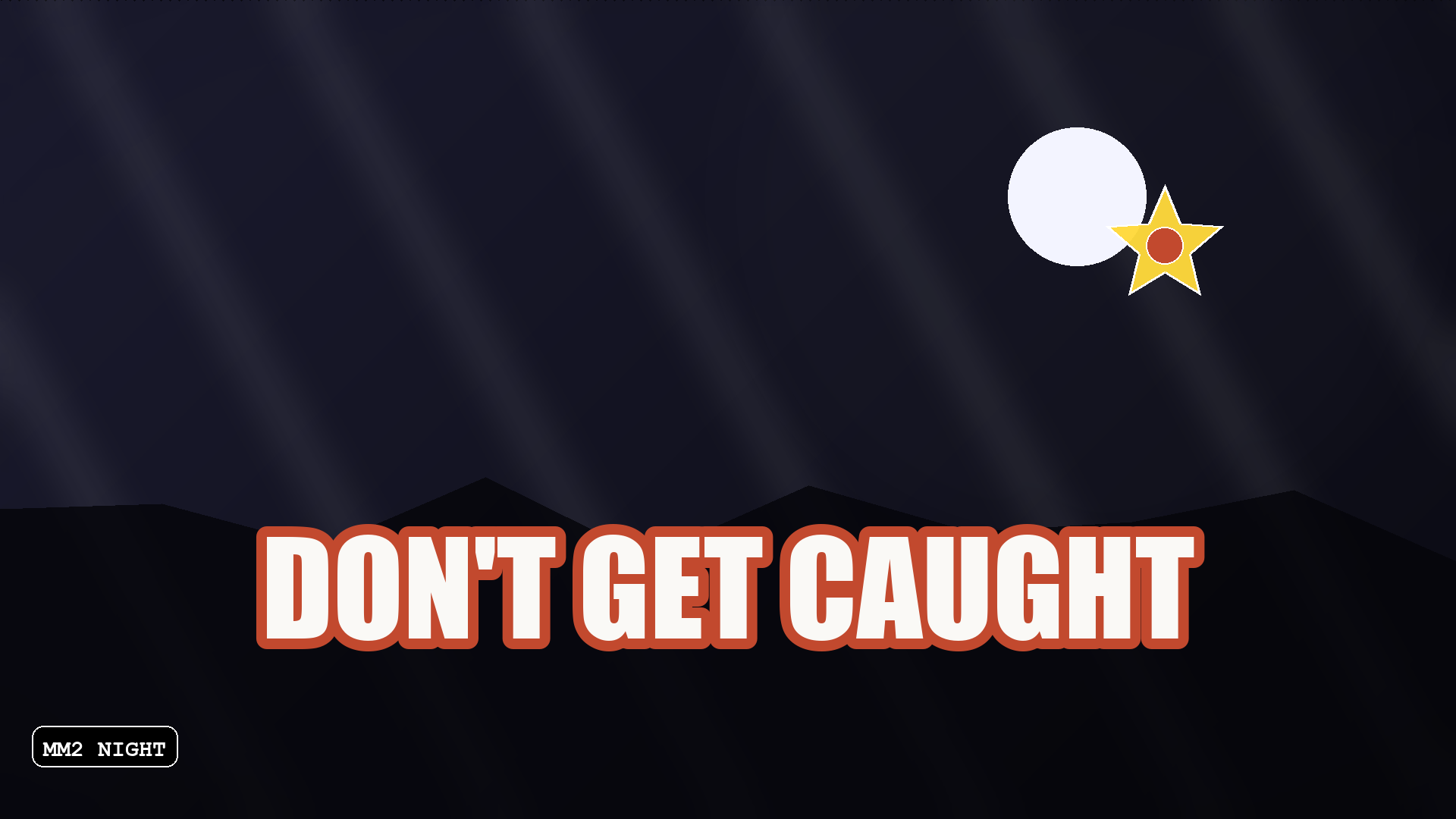
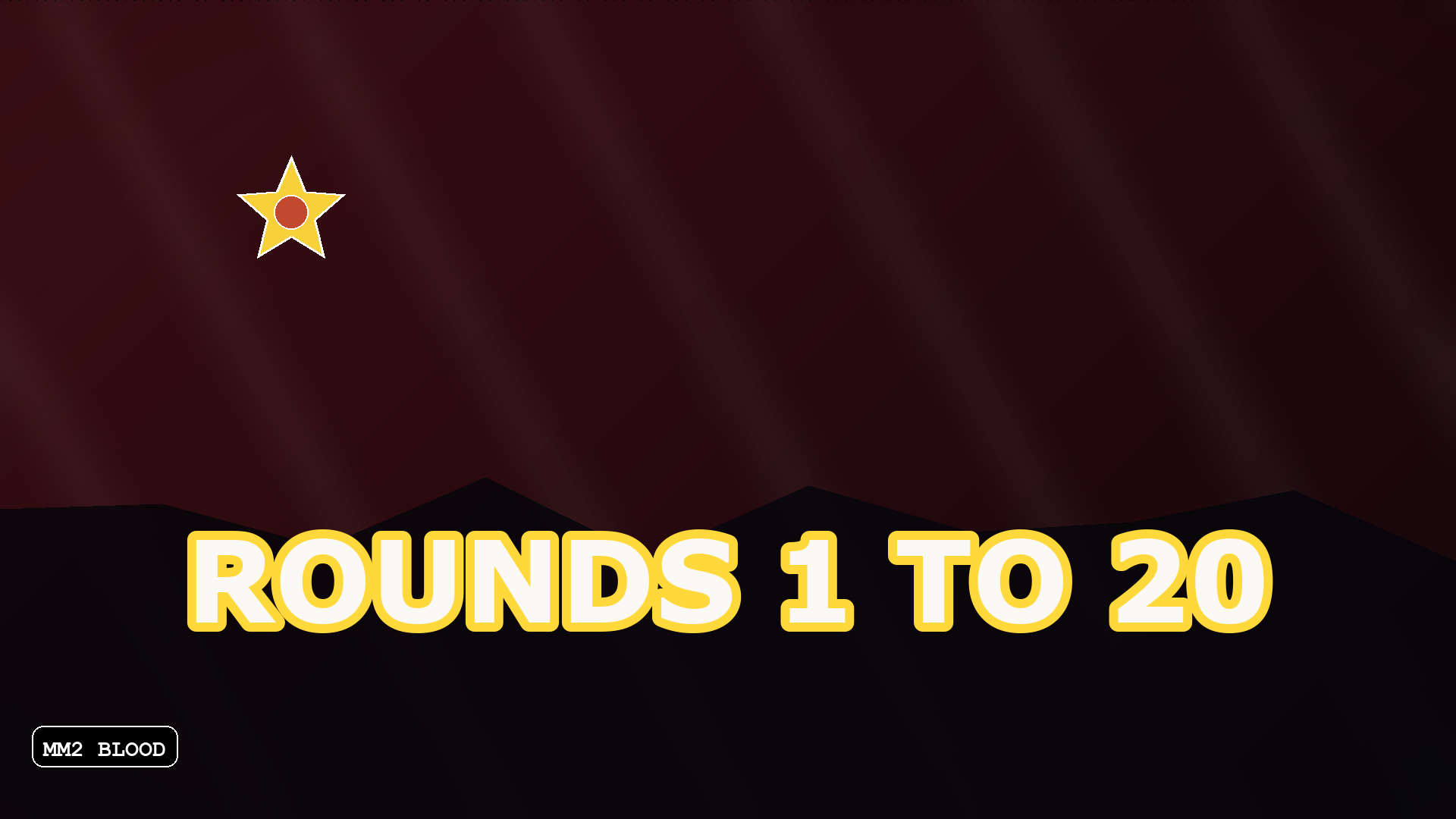
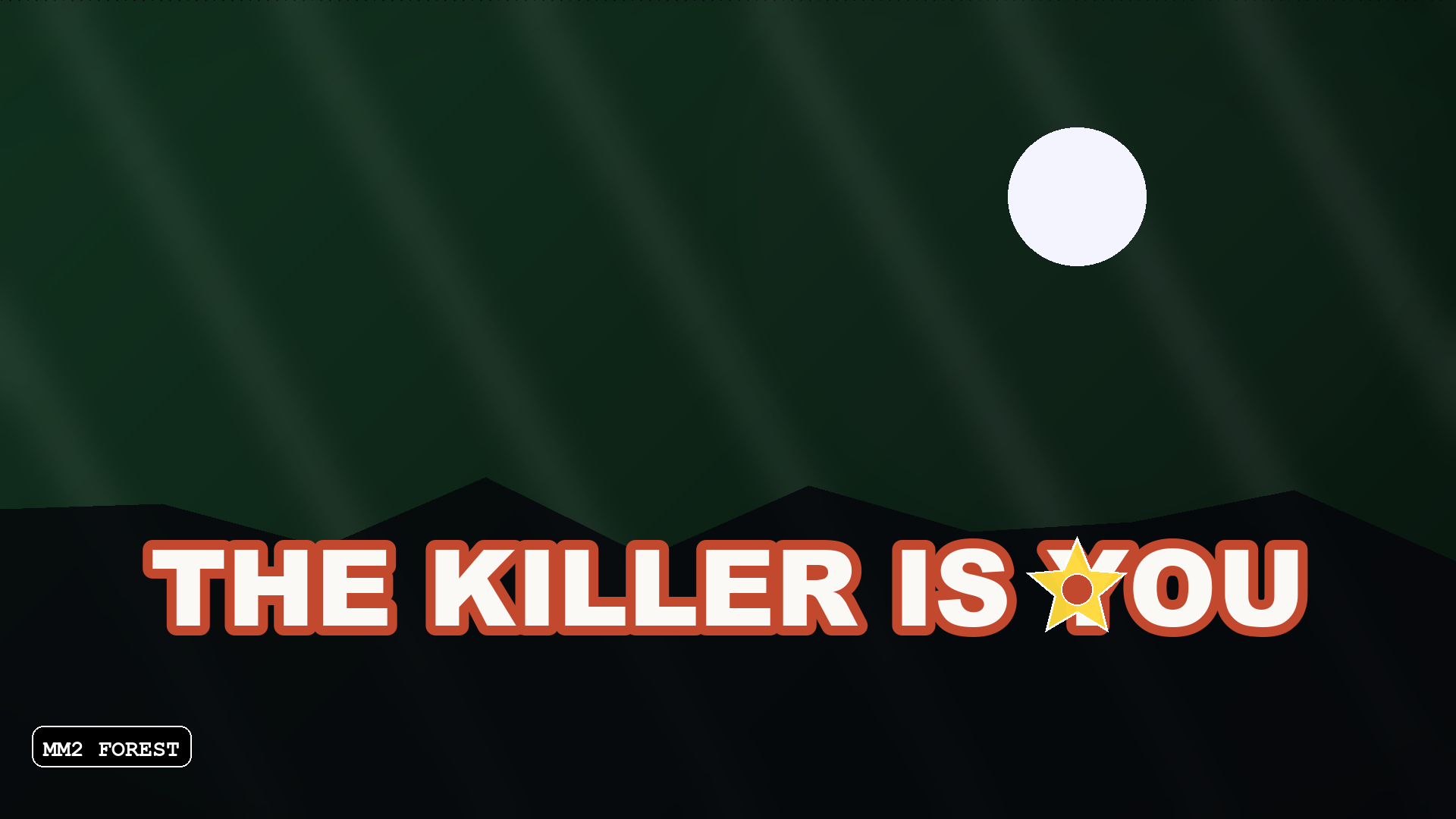
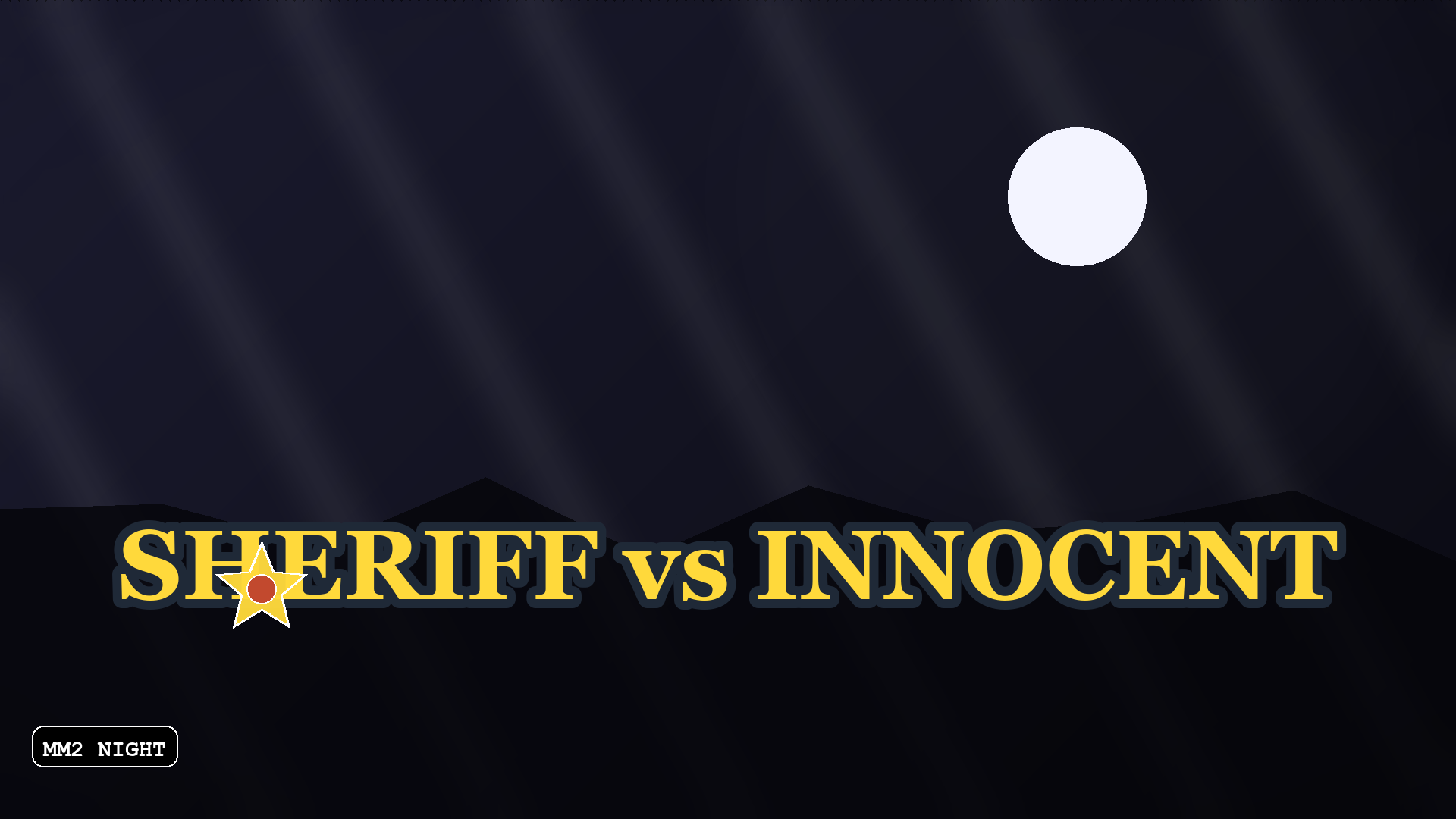
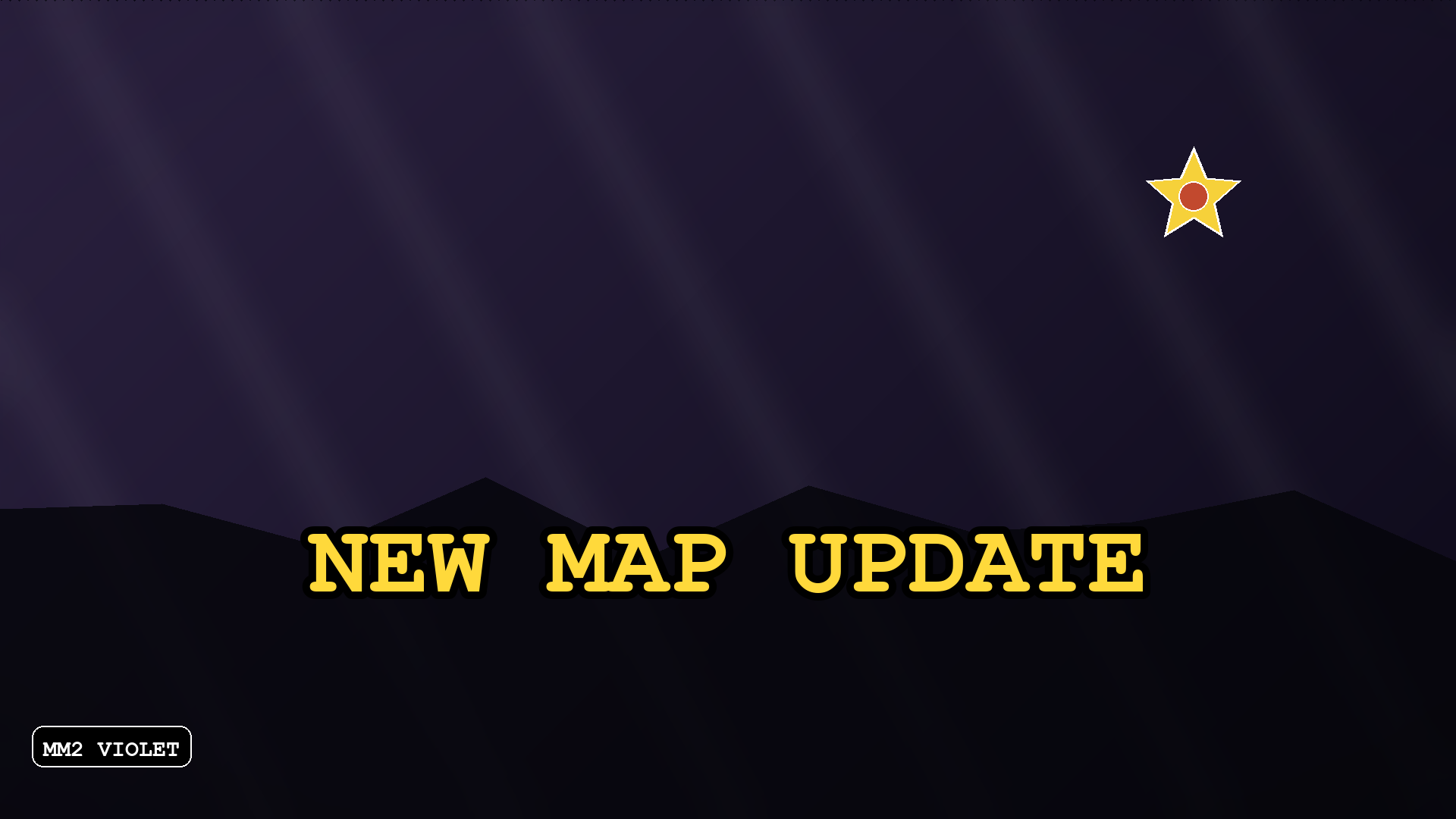
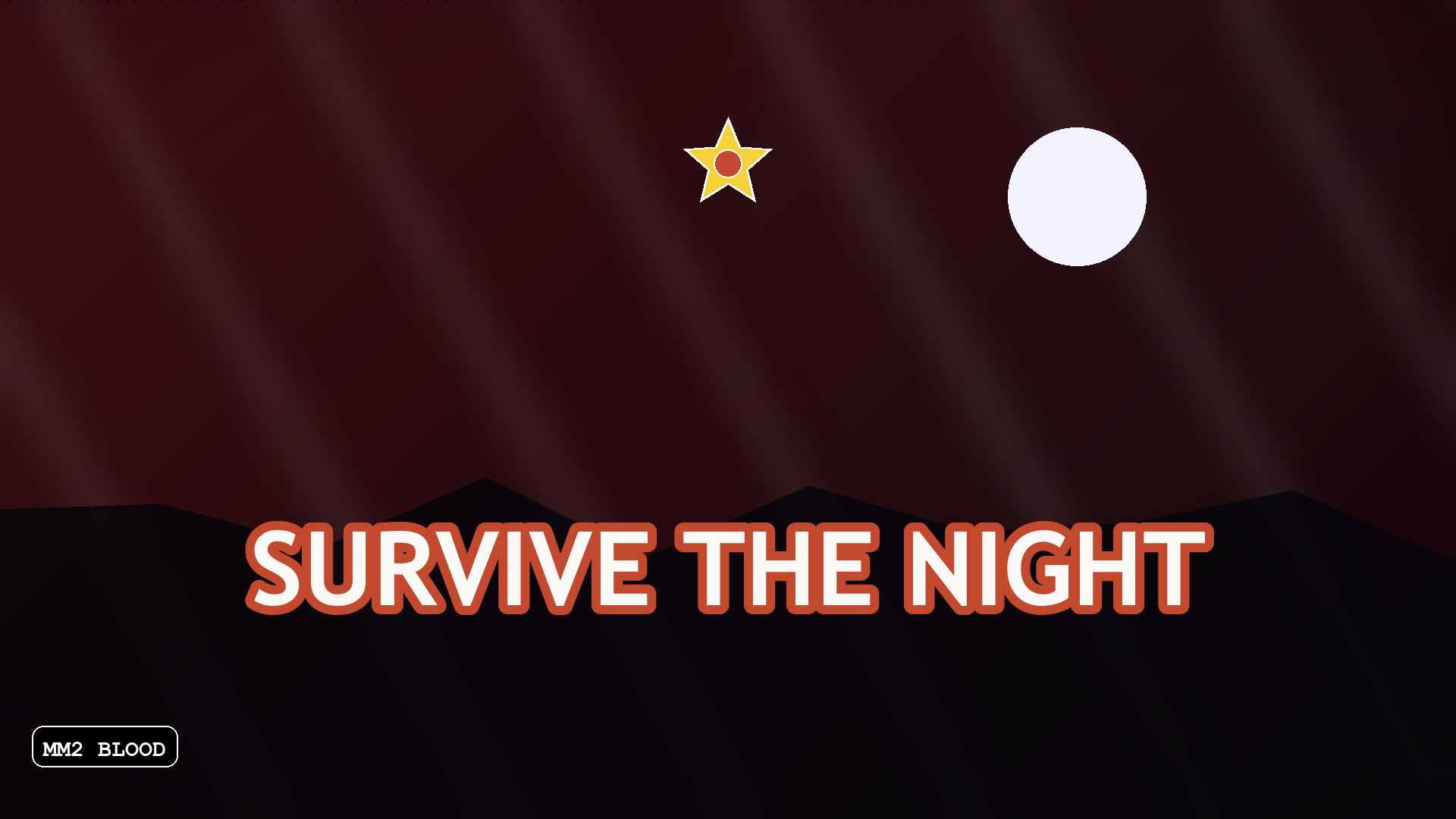
Six MM2 thumbnails below are real exports at 1920×1080, built from the night backdrops and text styles on this page — not mockups, not screenshots from other people's servers. Click any of them to open the full-size file. They are here as structure references: pick a backdrop, pick a title length, keep the text in the middle third.
The four MM2 backdrops
These are the presets this MM2 thumbnail maker opens with, and each one exists for a reason: the genre sells tension, so the backdrops start dark rather than bright. The style inspiration comes from MM2, but these are our own colour choices, not official game palettes. Pick one in the Backdrop row of the editor above — they only show while no screenshot is loaded, because once you upload your own image it covers the backdrop entirely. Choosing a backdrop for a different game? TheRoblox thumbnail backgroundguide sorts them by title legibility instead of genre mood.
Default for murder-mystery servers. Near-black with a blue cast; white titles read cleanly on it.
#1B1B2F → #0A0A12
Red-black. Fits round announcements and anything with a violent or survival theme.
#3A0D12 → #14060A
Cold green night, for forest maps and stealth-style custom games.
#12321F → #07140D
Purple-black. Less common in the MM2 thumbnail crowd, which makes it stand out in a grid of red-and-black covers.
#2B2140 → #0C0918
MM2 thumbnail titles that get clicks
Type any of these into the headline box of this MM2 thumbnail maker and change the words to match your server. Four words is the practical ceiling — the platform stretches any non-16:9 upload, and a title that survives stretching is a title that survives a discovery rail.
The threat, stated in three words. Works on any map because it is about the round, not the level.
A number is a promise of length. Players who see "20" know what they are committing to.
Second-person horror. Nobody can accuse it of misrepresenting the game — it is literally the premise.
The two roles side by side, which is the whole social loop of Murder Mystery 2 in four words.
Update posts need no cleverness. Players already in the game are looking for exactly this.
Atmosphere over information. Best paired with a genuinely dark screenshot.
Why MM2 covers look the way they do
The genre sells tension. A bright midday screenshot fights the promise the title makes, and players read that mismatch as "this is not the server I clicked".
White text on a night screenshot disappears wherever the screenshot is bright. A thick stroke in a contrasting colour is what keeps the title legible across every map.
The platform personalises thumbnails when 2–5 are active, which is the cheapest way to find out which of your covers actually pulls clicks. Upload three, let them run, read the table.
Free to use, and the art you bring yourself
The question that comes up most around MM2 covers is not about design — it is whether the file is actually free to use. On this page it is: no account, no sign-up, no watermark, no per-export charge. The exported PNG is your own file, and the editor never generates imagery from a prompt, so what you get back is a composition of your screenshot, your words and the built-in marks — nothing pulled from someone else's server.
No trial counter, no export credits, no branding burned into a corner. Export the same cover twice and the second file is identical to the first, with nothing added.
There are no MM2 character renders, knives, item art or game screenshots in this editor. The 15 built-in marks — bursts, arrows, flame, bolt, stars, faces — are accents for the title block, not a scene. If you need a character in frame, you bring a screenshot you took. Putting another creator's fan art into a cover is a rights question before it is a design one, and no MM2 thumbnail maker can answer that for you.
Covers that read as "modded" are mostly one recipe: a very dark frame, one neon accent, and bright outlined type that sits above everything else. Set a night backdrop, add a single bolt or flame sticker away from the title, and keep the headline to three words. You still need a screenshot of your own map — this page composes the frame, it cannot capture a client for you.
Where an MM2 thumbnail is seen
An MM2 thumbnail competes in the same crowded grids as every other experience, and the audience is unusually decisive — players scan a row of dark, red-outlined covers and click in under a second.
- ▸Home page recommendations, where personalisation decides which of your covers a given player sees.
- ▸Search and "more like this" rails, dominated by other social-deduction games.
- ▸Your experience detail page, where you can feature up to ten images.
- ▸External share links, where the cover is often the only thing that gets seen.
How to make an MM2 thumbnail
Five steps in the editor above. The backdrop and title style are already set for the genre.
- 1Upload a screenshot from a genuinely dark moment in your map — night, fog, an empty corridor. Dark source images are what an MM2 thumbnail is built from.
- 2If you have no screenshot yet, leave the backdrop and type a title first to block out the composition.
- 3Pick a title of four words or fewer in a style with a thick outline.
- 4Add one sticker at most, and keep it away from the middle where the title sits.
- 5Export 1920×1080 and upload it in your place thumbnail settings, keeping the file under 3 MB.
Where MM2 covers go wrong
The four mistakes below cover most of it, and none of them need a designer to fix.
- !A bright, cheerful screenshot with a horror title — the mismatch reads as a clickbait server.
- !A title in a thin font with no outline, invisible the moment the map behind it gets bright — the single most common MM2 thumbnail mistake.
- !Five or six words, which wrap onto three lines and shrink until they cannot be read.
- !Only one cover uploaded, which switches off personalisation and leaves you guessing which title works.
›What size is an MM2 thumbnail?
1920×1080 pixels at 16:9. That is the same specification as any wide thumbnail on the platform, because Murder Mystery 2 servers are uploaded through the standard place thumbnail settings.
›How do I make an MM2 thumbnail?
Upload a dark screenshot, pick one of the night backdrops, add a title of four words or fewer in a thick-outlined style, and export 1920×1080. This page opens on exactly that setup, so you can start from the preset and change the words.
›Do I need Photoshop or an AI tool to make an MM2 cover?
No. This editor runs in the browser and does the three things that matter: place your image, set the type with an outline, export the right size. It does not generate imagery, which is why the result always matches your actual map.
›Is the MM2 thumbnail maker free to use?
Yes. No account, no sign-up, no watermark and no per-export charge, and the exported PNG is your own file to upload to your own place. Nothing is generated from a prompt, so the cover is your screenshot, your text and the built-in marks — nothing taken from another server.
›Where do I get MM2 clipart for a thumbnail?
This editor ships no game art: no character renders, knives, item icons or map screenshots. It has 15 built-in accent marks (bursts, arrows, flame, bolt, stars, faces) for the title block, and everything else comes from a screenshot you take in your own map. Reusing another creator's fan art is a permission question you settle with them, not something a thumbnail maker can license for you.
›How do I make a modded-looking MM2 thumbnail?
Build it out of contrast rather than assets: a very dark frame, one neon accent (a bolt or flame sticker, kept away from the title), and bright outlined type above everything. Set a night backdrop, keep the headline to three words, export 1920×1080. The screenshot itself still has to come from your own session — this page composes the frame, it cannot capture a client for you.
›What makes a cool MM2 thumbnail?
A dark screenshot, a short title that states the tension of the round, and a thick outline so the text survives a bright area of the map. The six examples on this page are built from exactly those three ingredients across four backdrop presets.
›How many MM2 thumbnails should I upload?
Up to ten images or videos per detail page. For Home page personalisation, activate 2–5 — with only one active, every user sees the same one and you learn nothing about which MM2 thumbnail pulls clicks.
›Why is my MM2 thumbnail file rejected?
Most often the file is over the 3 MB ceiling for Home page uploads, or the aspect ratio is not 16:9 and the platform stretches it. The editor exports 1920×1080 and falls back to JPG automatically when the PNG is too large.
›Can I use an MM2 thumbnail on YouTube too?
Yes. Switch the export size to 1280×720, which is the YouTube thumbnail specification, and the composition carries over unchanged — same 16:9 framing, same title block.
›What size file should an MM2 thumbnail be?
Keep it under 3 MB. Roblox Creator Hub states that Home page thumbnail images should be under 3 MB and 1920×1080 pixels; this editor warns you and switches the export to JPG when the PNG goes over.
More makers
Same editor, different opening preset — every page below drops you into a canvas already set up for that game's colours, export size and title patterns.
1920×1080 covers, no watermark
One editor, a preset for every game
How the no-model workflow works
Upload, moderation and Studio steps
Team-colour PvP and bed-break frames
Harvest and update covers
Loud meme titles for collection games
FPS duel frames
Fruit showcases and update art
Dark permadeath palettes
Motion-first platformer covers
Square 512×512 place icons
Quick facts
- Export sizes
- 1920×1080 for a Roblox game thumbnail, 1280×720 for YouTube, 512×512 for a Roblox game icon — all three presets live in the editor.
- File format
- PNG by default. Anything over 2.8 MB is re-encoded as JPG so the file stays under the 3 MB upload limit Roblox documents for game thumbnails.
- Where the image goes
- Nowhere. Decoding, editing and encoding all run inside the browser tab — the site has no upload endpoint.
- Account and watermark
- No sign-up and no watermark. one free export a day, then Pro.
- Batch behaviour
- Thumbnails are exported one at a time. A second button exports three backdrop variants of the same layout in one pass.
- How the artwork is made
- Text, stickers and gradient backdrops are drawn with the canvas 2D API. No generative model is involved, and your own screenshot stays the base layer.
These facts are read from this site's own export code; the 3 MB figure is quoted from Roblox's own upload documentation.