Deepwoken Thumbnail Maker— dark permadeath covers for Deepwoken by Monad Studios East
Deepwoken covers sell atmosphere and one honest progression beat. Upload the frame from your run, set a lore-weight title on the storm-dark backdrop, and export at1920×1080, the 16:9 spec from Roblox'sasset documentation. The editor opens on the Deepwoken Storm palette with a cream serif style — one lit focal point, everything else sinking.
Download your thumbnail as a PNG at 1920×1080 — switch to 1280×720 for a YouTube cover. Roblox and YouTube specs: Roblox thumbnail size guide.
What makes a Deepwoken cover pull
Deepwoken players read atmosphere first. A storm-dark frame with one lit focal point says "this world" faster than any logo.
Lantern, blade glow or moonlight — exactly one light source in the frame. Two lights turn a horror sea into a showcase.
This audience punishes oversold covers harder than most. A title that names a real place, oath or run depth earns the click twice.
Title patterns for run footage
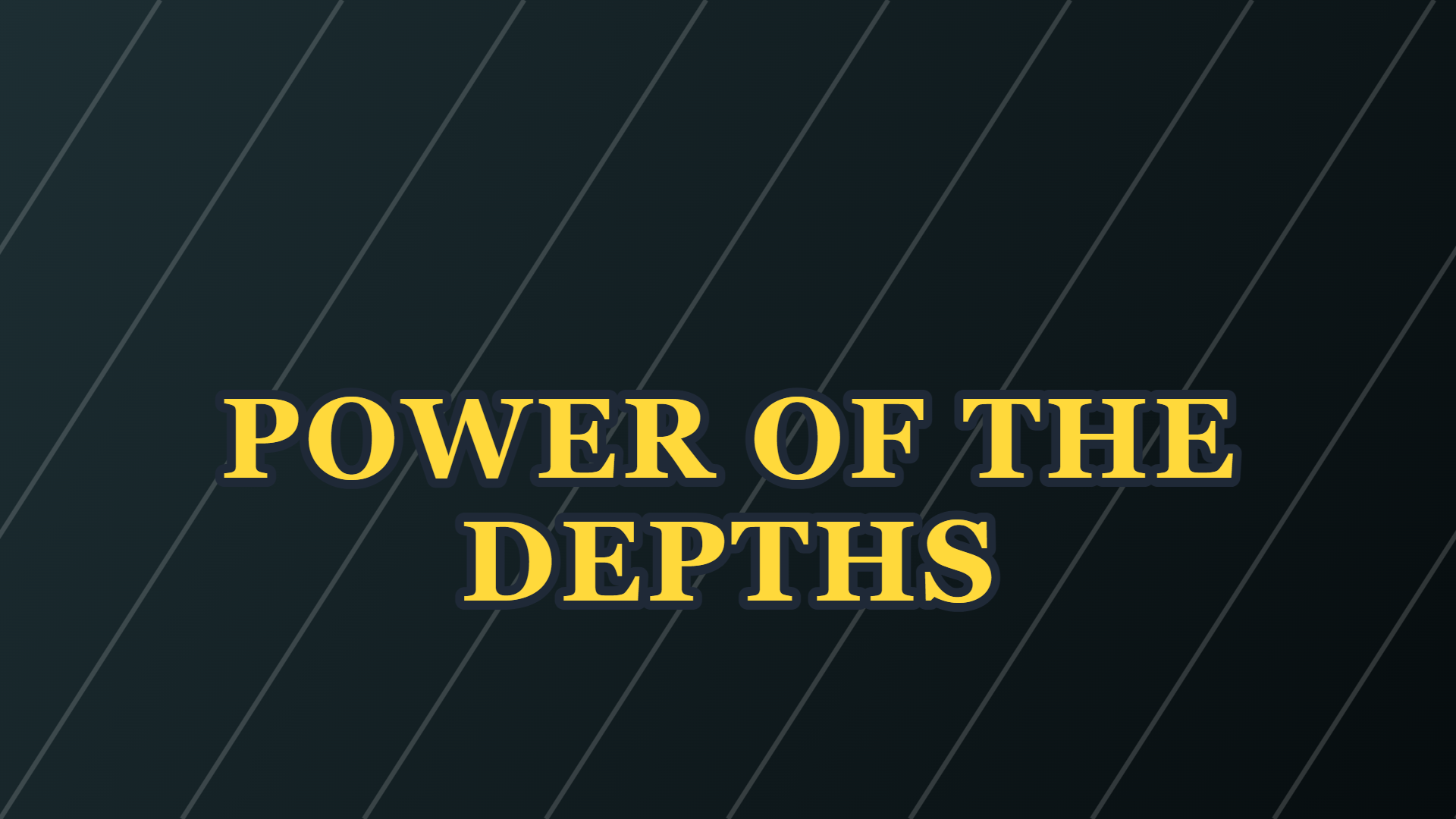
A lore-weight title that fits any deep-sea or progression footage without overselling.
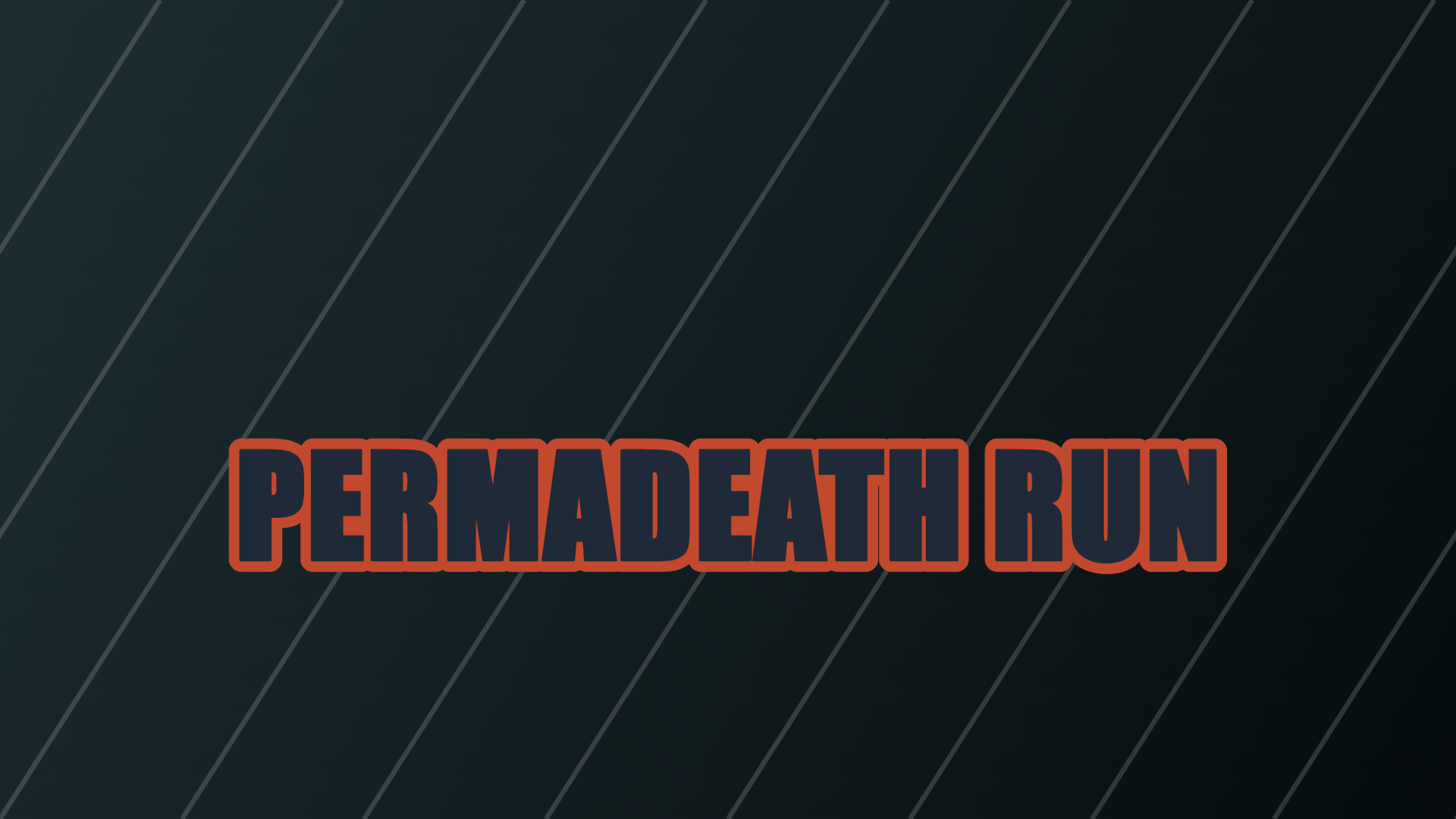
Only on an actual perma character run — this audience checks the life count.
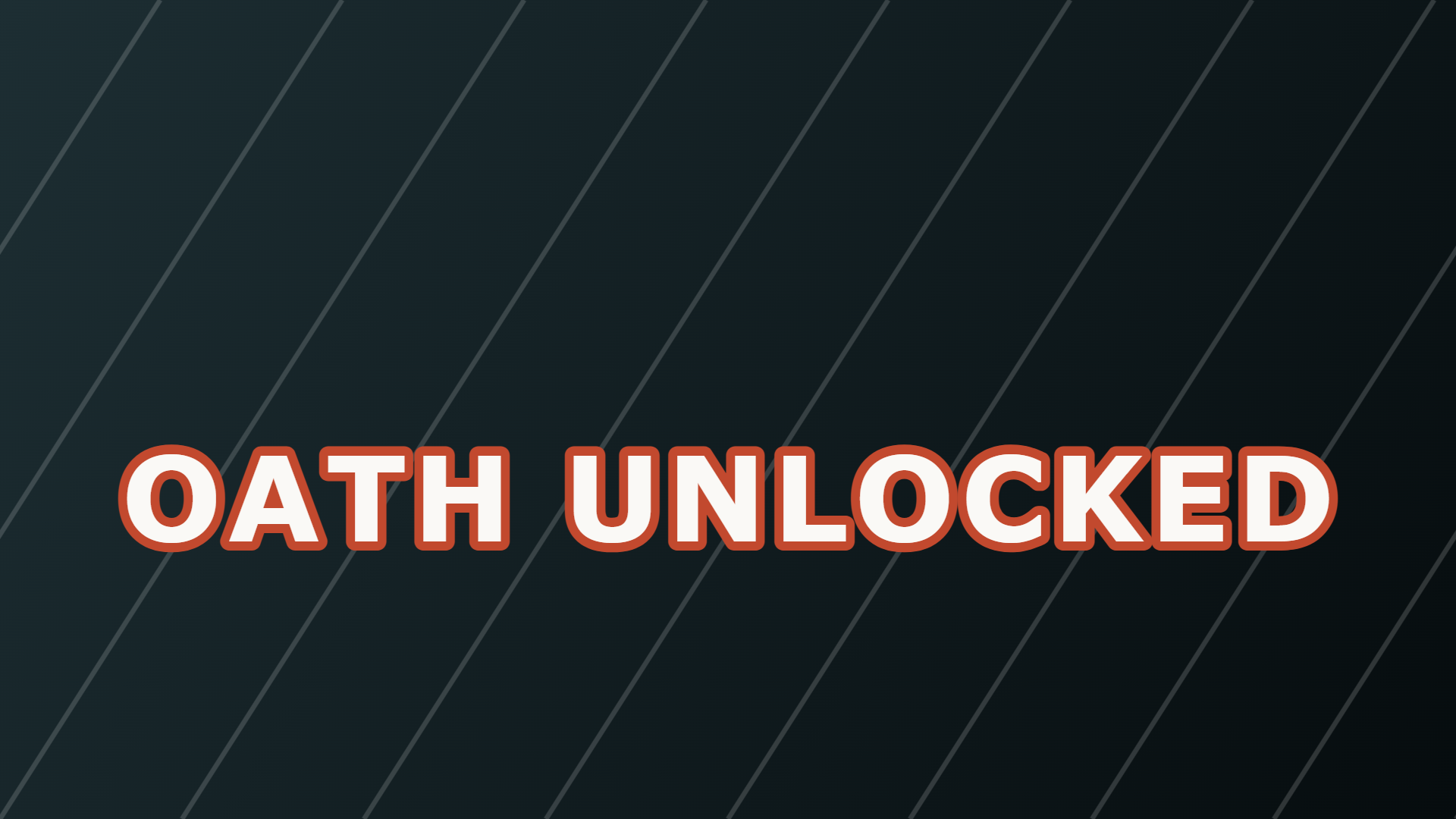
Frames the exact progression moment; works for any oath reveal or guide.
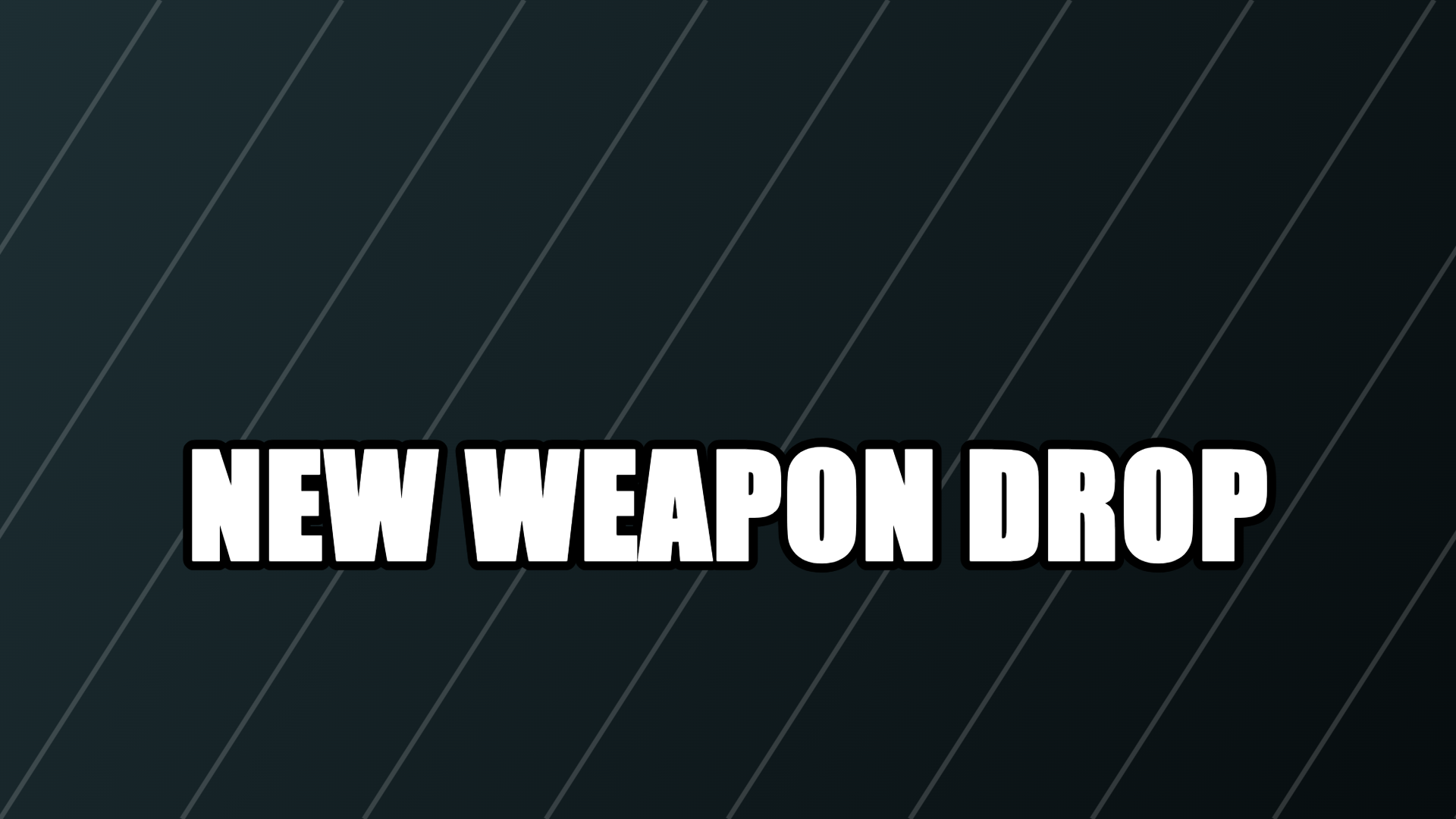
For patch content — put the new weapon visibly in the frame next to the title.
Six example Deepwoken covers
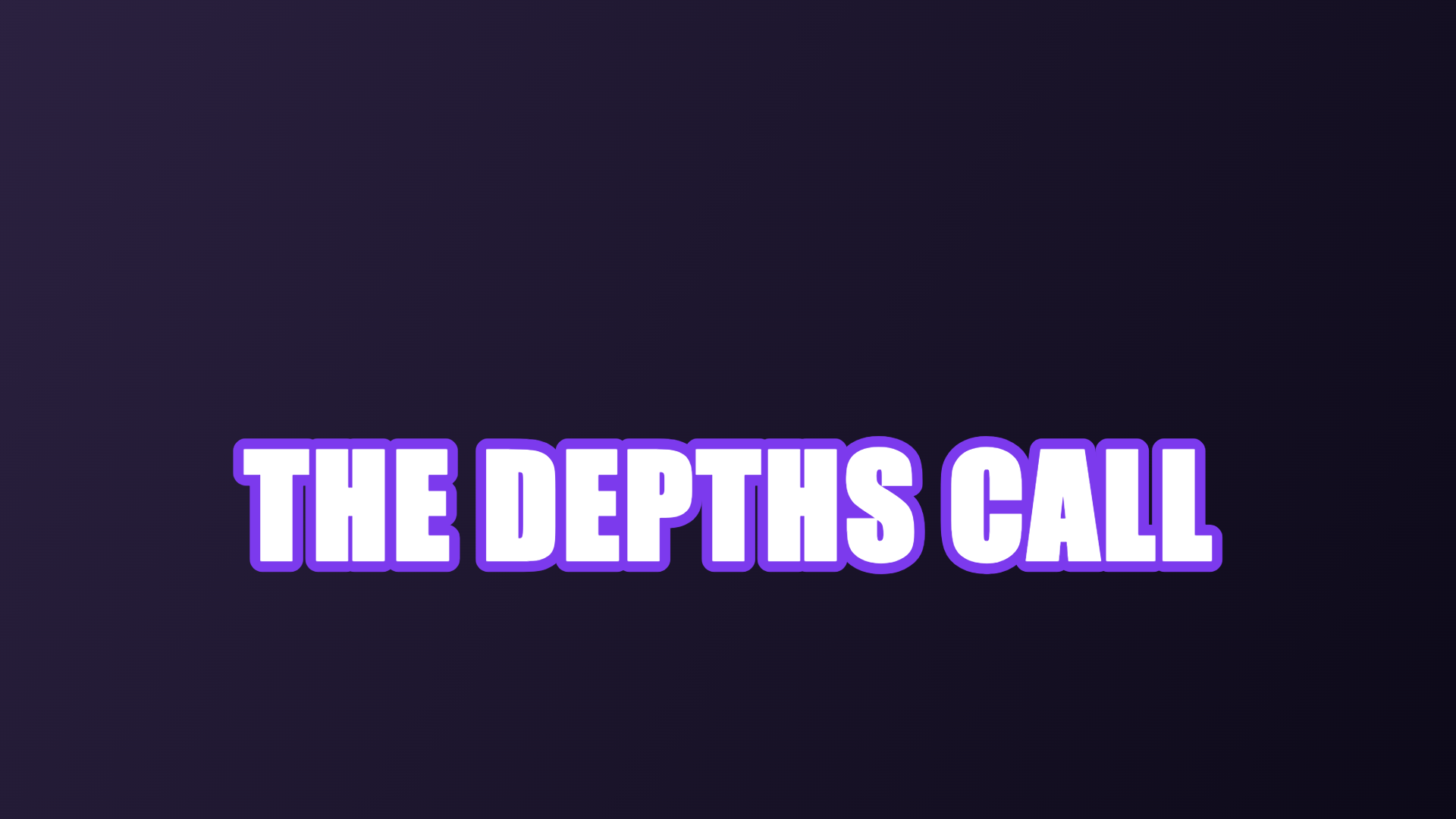
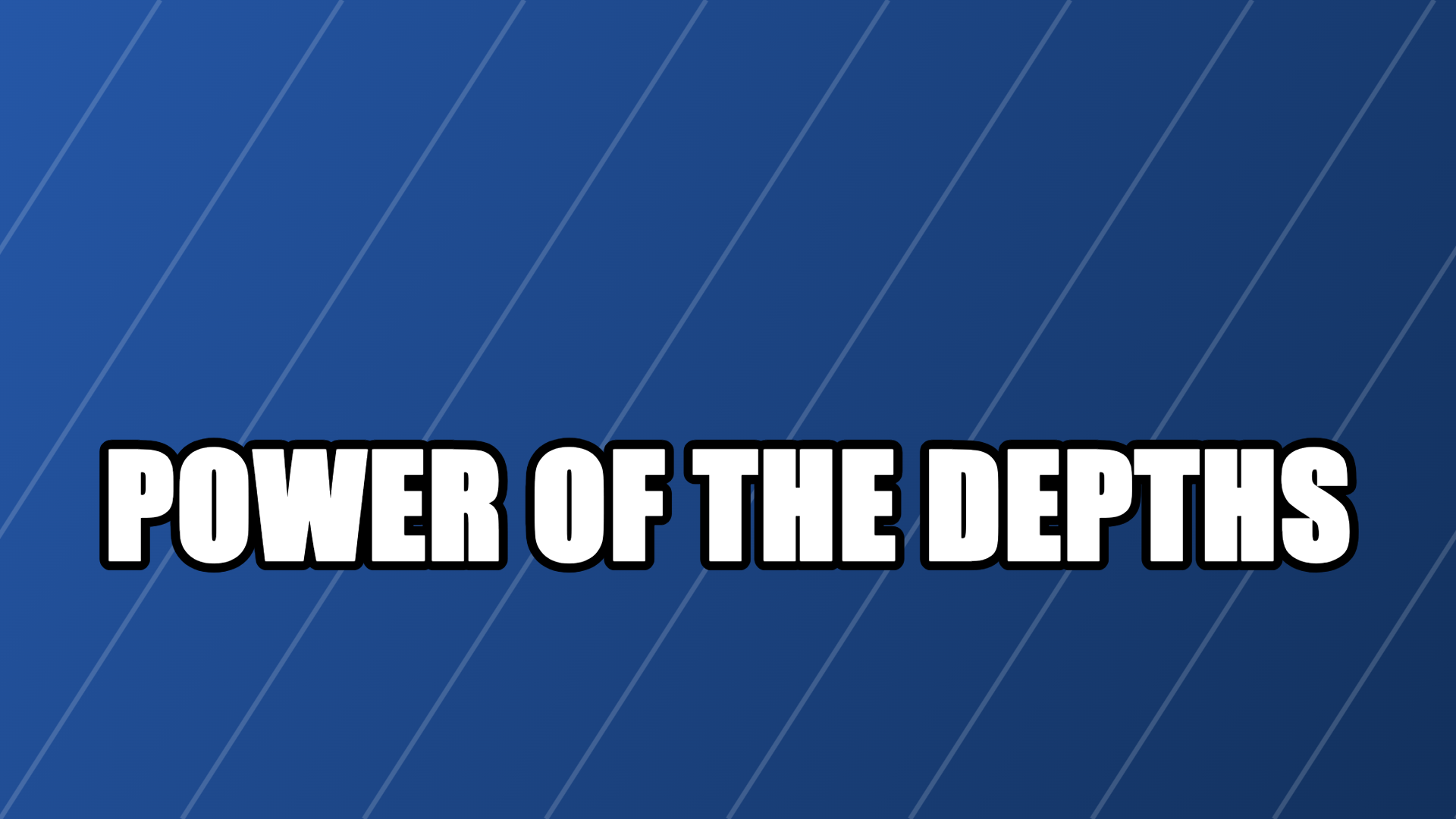
Real exports from the editor above: the Deepwoken Storm backdrop with six title treatments. Each one is a composite of your own run screenshot, a headline and a colour backdrop — the atmosphere comes from your footage, not from a generator. Every Deepwoken thumbnail in the grid keeps the storm palette so the run you are pitching owns the frame. A perma-death channel lives or dies on whether the Deepwoken thumbnail earns the watch before the video does.
How dark covers stay readable
Roblox lists games as 16:9 tiles that shrink hard on phones. At rail size the eye keeps three things: the biggest shape, one contrast pair, up to three words. A dark cover keeps all three only if it has a real light in it — the brightest pixel is what the rail shows first.
Deepwoken art has a second constraint: the audience. Soulslike players can tell a progression shot from a lobby pose, and they treat an oversold cover as a warning about the video. The honest frame — your character, the actual weapon, one lit focal in a sinking world — outperforms bright collage art even though it looks quieter on a desktop monitor.
Deepwoken, checked against Roblox (2026-10-19)
Where the thumbnail has to win
Deepwoken covers appear beside lore essays, boss guides and permadeath challenge videos. The winning frame is the one whose mood and progression beat are both legible at rail size.
- ▸Discovery rails beside other soulslike and RPG experiences, where darkness is the genre signal.
- ▸Your channel page, where the cover competes with your own last run episode.
- ▸Lore communities, where a frame from the wrong layer gets corrected in the replies.
From run frame to cover
Four moves in the editor above.
- 1Screenshot the run beat — boss in frame, oath moment, or the death you are about to beat.
- 2Keep the Deepwoken Storm backdrop and one light source in the shot.
- 3Title the real progression beat in two or three words, then check it at preview size.
- 4Export 1920×1080 and upload it in the place thumbnail settings.
Where dark covers misfire
The lore audience forgives slow videos, but not dishonest covers.
- !Pure-black frames with no focal point — the rail renders them as a dead tile.
- !"PERMADEATH RUN" over a practice character. The life count is visible in the video.
- !Logo collage instead of a screenshot. This audience came for your run, not a poster.
- !Title over the only lit area. Keep text on the dark side; let the light sell the world.
›What size is a Deepwoken thumbnail?
1920×1080 at 16:9 — the standard Roblox place thumbnail size. The editor also has 1280×720 (720p) for Deepwoken YouTube videos and 512×512 for a game icon.
›Is the Deepwoken thumbnail maker free and watermark-free?
Yes — one watermark-free export a day, no account needed. Editing happens entirely in your browser, and your screenshot never leaves the device.
›How is this different from a generic thumbnail maker?
The canvas opens on the Deepwoken Storm preset with serif, lore-weight title styles built for dark footage, and the cover is composited from your own screenshot — not AI-generated.
More makers
Same editor, different opening preset — every page below drops you into a canvas already set up for that game's colours, export size and title patterns.
1920×1080 covers, no watermark
One editor, a preset for every game
How the no-model workflow works
Upload, moderation and Studio steps
Motion-first platformer covers
Square 512×512 place icons
512×512 plus the 150×150 display trap
How an upload becomes an rbxassetid number
Neon type and particles without 3D rendering
Grass-block, Nether and End backdrops at 1280×720
Night palette for clutch and chase titles
Team-colour PvP and bed-break frames
Quick facts
- Export sizes
- 1920×1080 for a Roblox game thumbnail, 1280×720 for YouTube, 512×512 for a Roblox game icon — all three presets live in the editor.
- File format
- PNG by default. Anything over 2.8 MB is re-encoded as JPG so the file stays under the 3 MB upload limit Roblox documents for game thumbnails.
- Where the image goes
- Nowhere. Decoding, editing and encoding all run inside the browser tab — the site has no upload endpoint.
- Account and watermark
- No sign-up and no watermark. one free export a day, then Pro.
- Batch behaviour
- Thumbnails are exported one at a time. A second button exports three backdrop variants of the same layout in one pass.
- How the artwork is made
- Text, stickers and gradient backdrops are drawn with the canvas 2D API. No generative model is involved, and your own screenshot stays the base layer.
These facts are read from this site's own export code; the 3 MB figure is quoted from Roblox's own upload documentation.