Blox Fruits Thumbnail Maker— update and fruit-showcase covers for the Roblox RPG
Blox Fruits players scroll for one thing: the fruit. Upload the frame where your awakening fires, put a two-word title on the deep-sea backdrop, and export at1920×1080, the 16:9 spec from Roblox'sasset documentation. The editor opens on the Grand Line Sea palette with a neon-outlined style — one ability glow, everything else dark.
Download your thumbnail as a PNG at 1920×1080 — switch to 1280×720 for a YouTube cover. Roblox and YouTube specs: Roblox thumbnail size guide.
What makes a Blox Fruits cover pull
The fruit or awakening is the click. Frame the moment the ability fires so viewers can name what they are looking at without reading.
Blox Fruits players return for content drops. Covers that clearly frame a new form, raid or level cap outperform mood art.
The Grand Line Sea backdrop is deep navy so a single ability glow carries the frame — two glows fight each other at rail size.
Title patterns for update footage
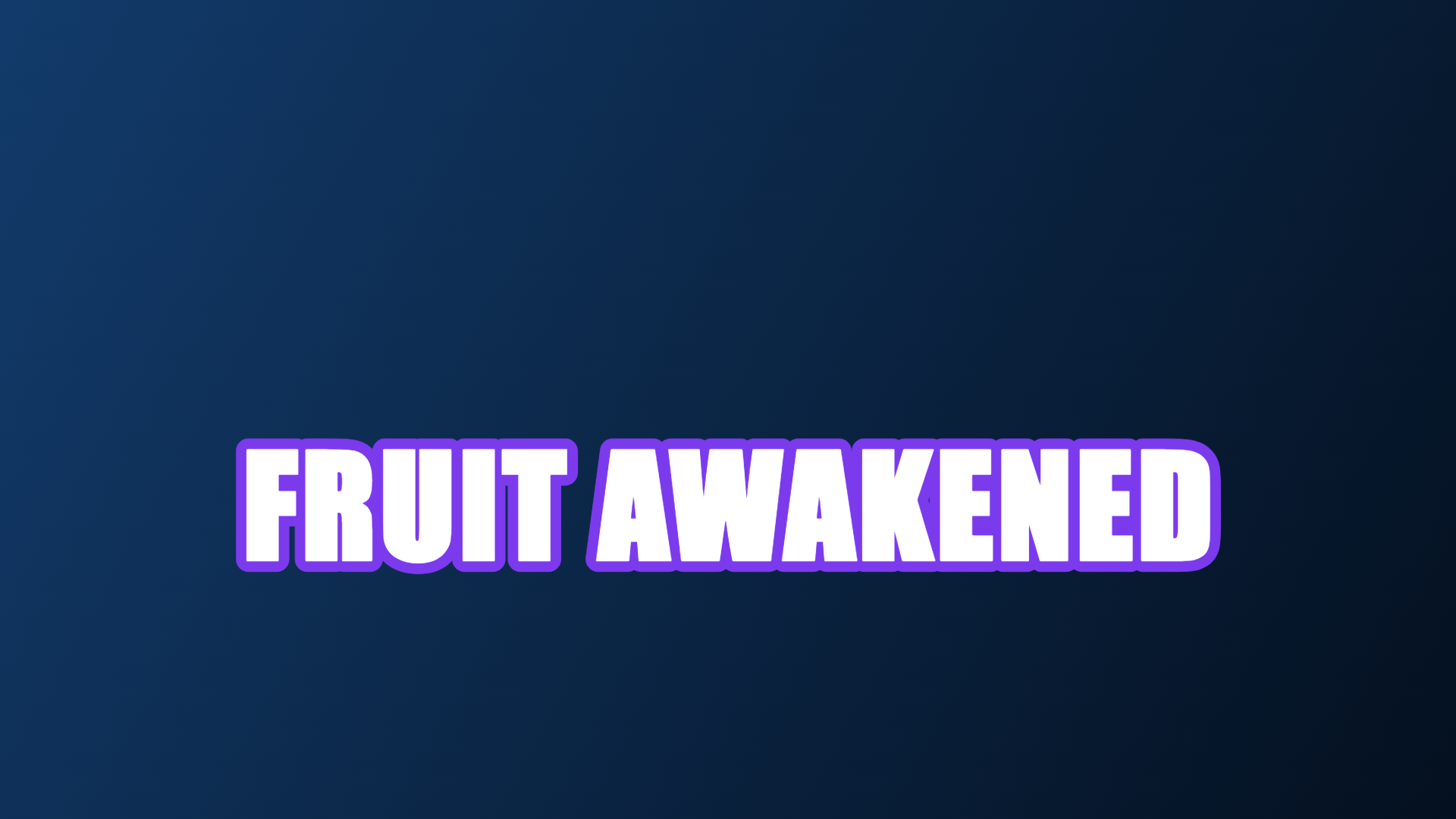
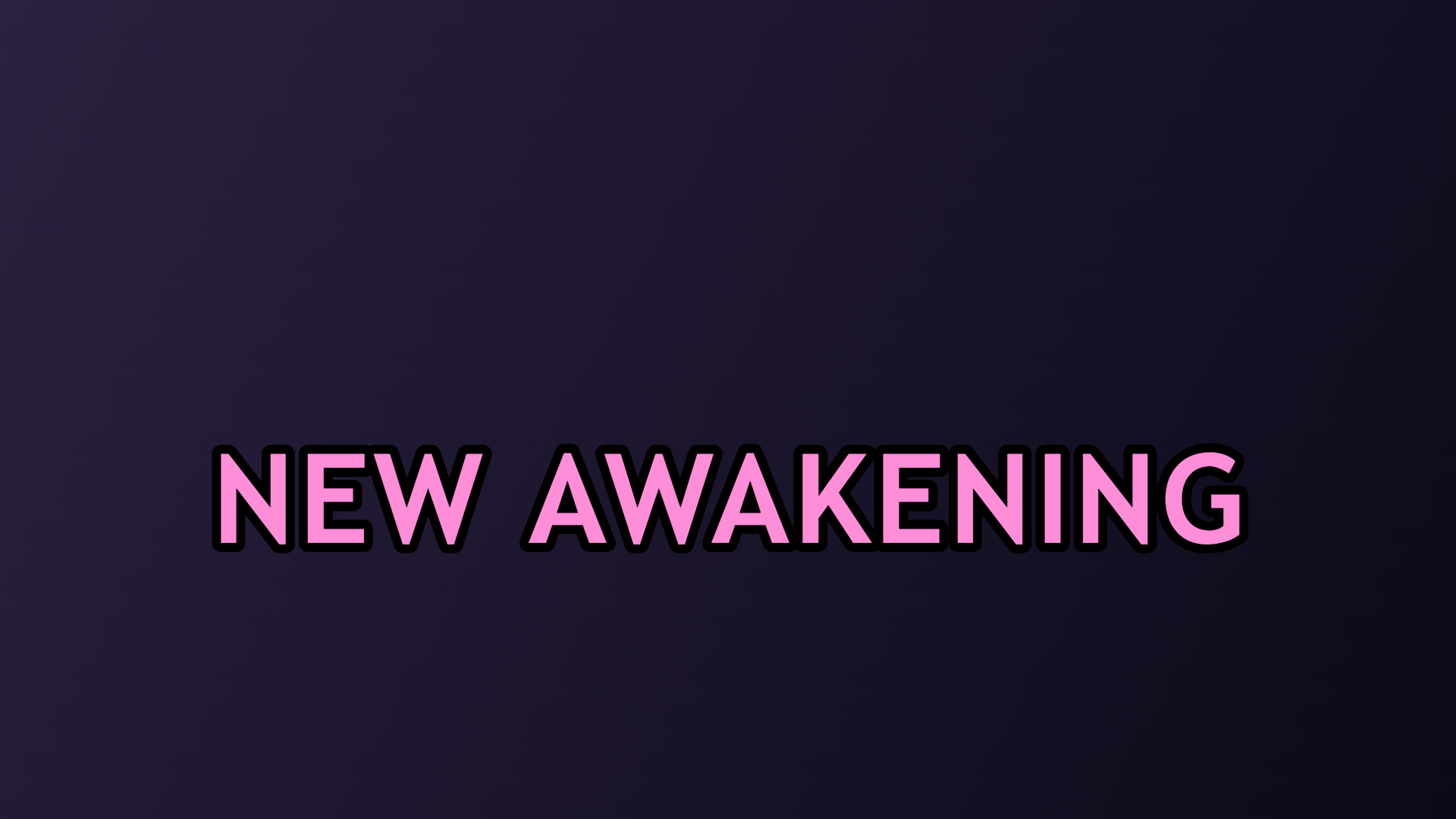
Names the moment every grinder is chasing. Works on any awakening footage and reads at rail size.
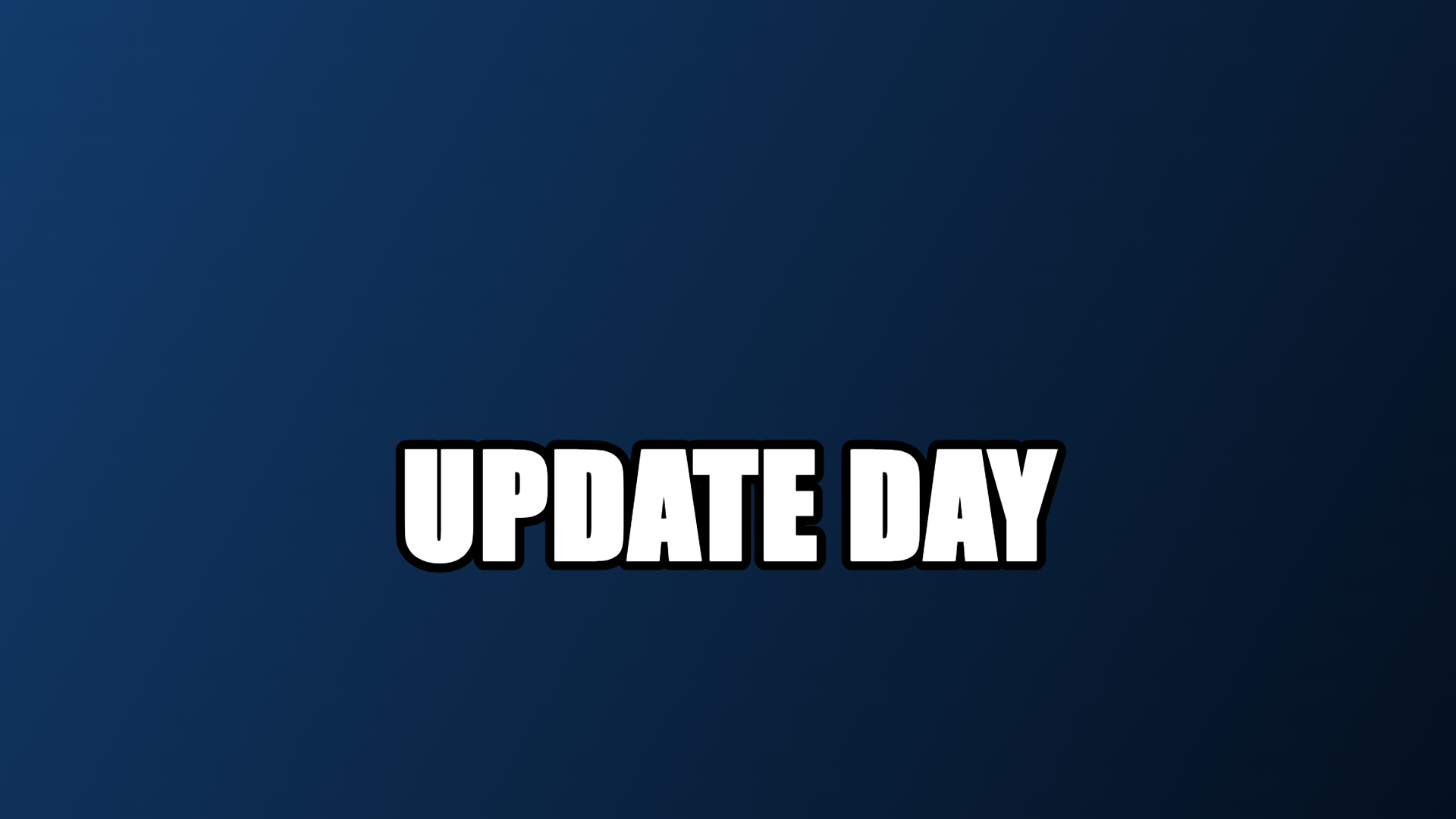
For release-day content — pair it with something visibly new in the frame.
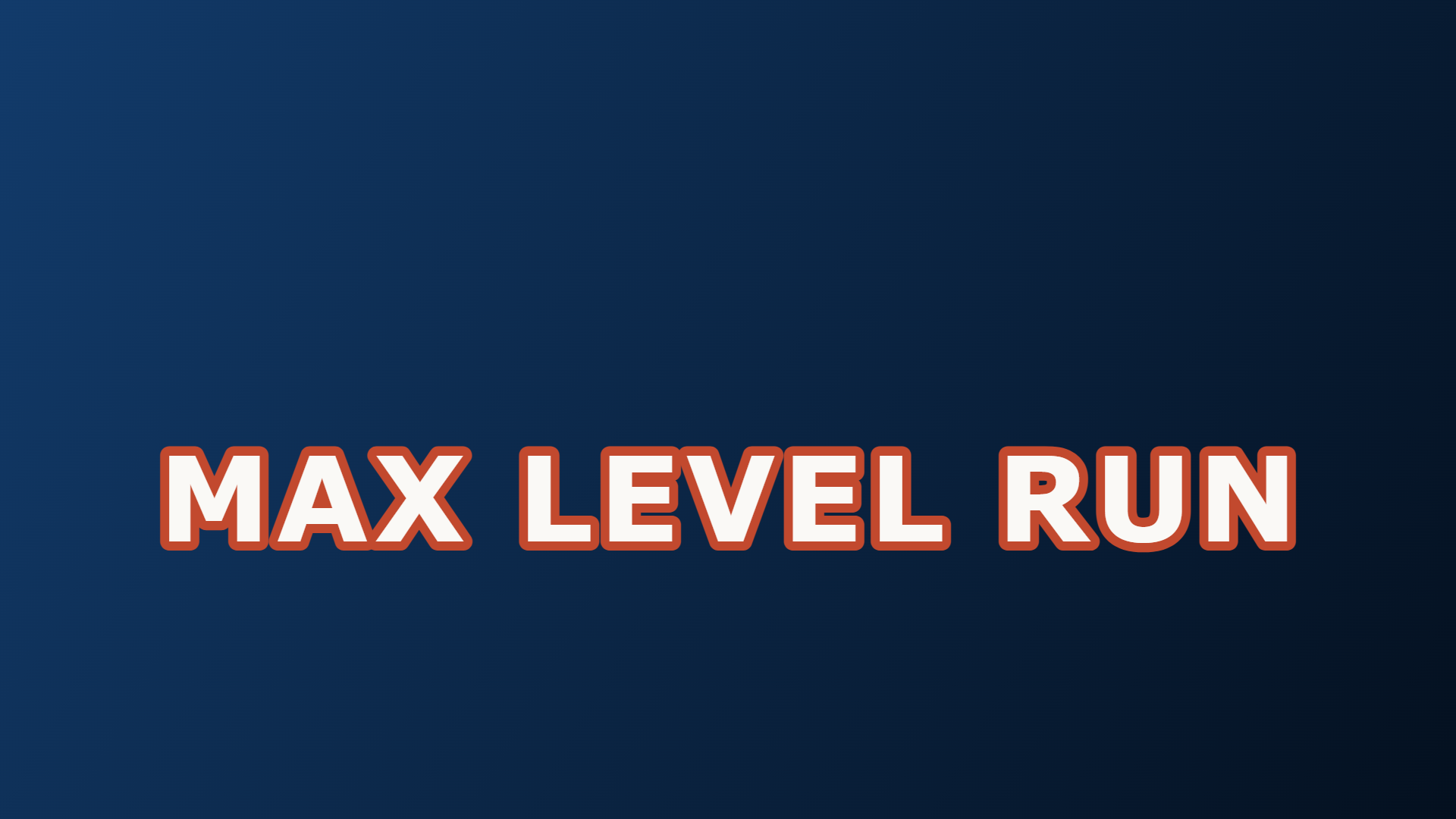
Only on footage that is actually the level push; this audience checks the HUD.
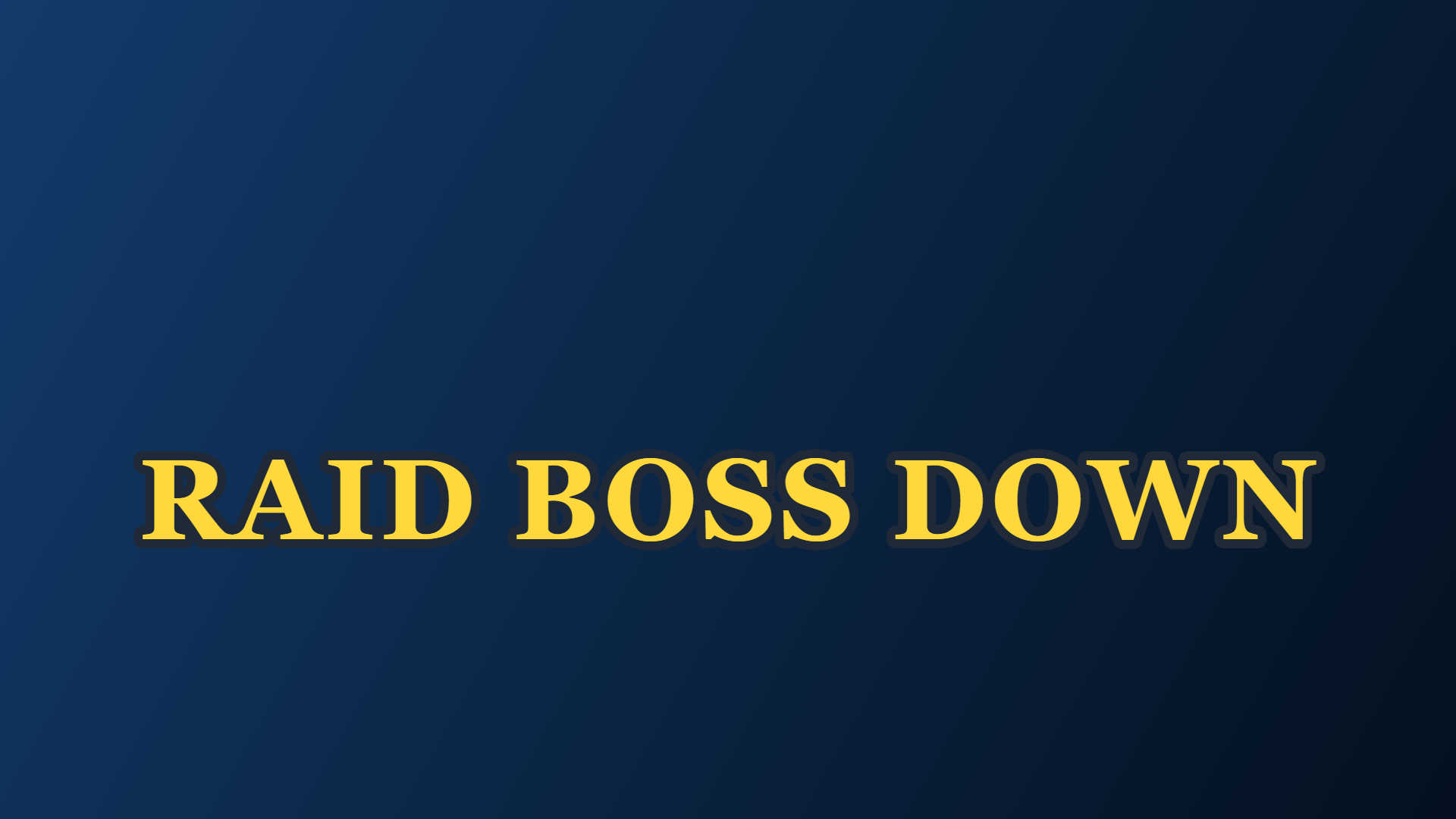
A clean payoff title for raid clears — the audience already knows what the fight looks like.
Six example Blox Fruits covers
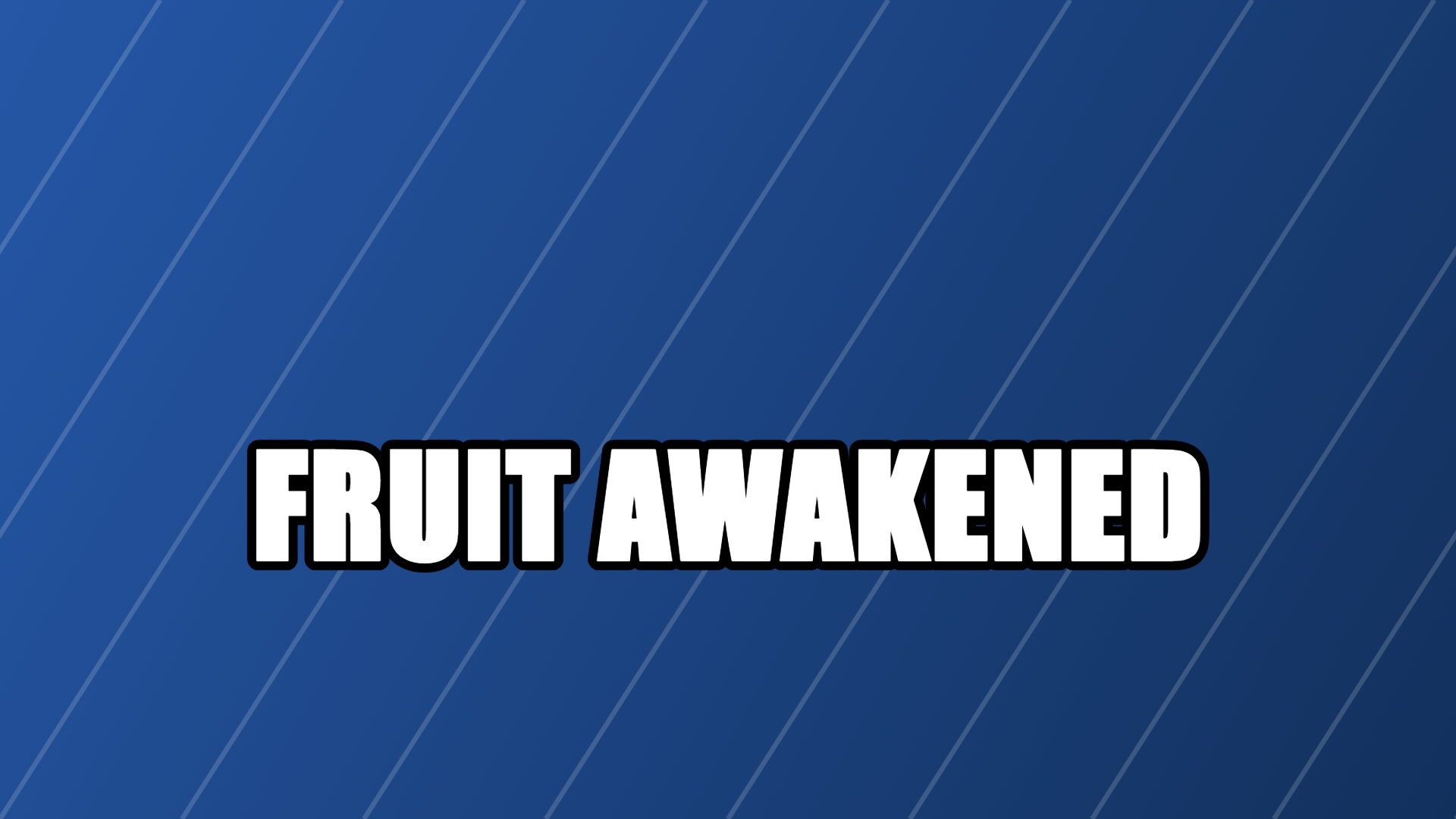
Real exports from the editor above: the Grand Line Sea backdrop with six title treatments. Each one is a composite of your gameplay screenshot, a headline and a colour backdrop — nothing is drawn for you. Each Blox Fruits thumbnail below pairs your screenshot with one clean title, the way update-day covers read on the platform. When your sea update is the story, the Blox Fruits thumbnail should say it in three words or fewer.
How update covers get the click
Roblox lists games as 16:9 tiles that shrink hard on phones. At rail size the eye keeps three things: the biggest shape, one contrast pair, up to three words. A Blox Fruits cover wins or loses on whether the fruit reads as a fruit before the title resolves.
This audience watches a lot of update videos, so the cover has a second job: proving the content is current. A recognisable new form, raid room or island in the frame does more than any adjective in the title. Mood-only art — a dark ocean, a lone pirate, no ability in flight — gives the viewer nothing to check, and unchecked covers get skipped.
Blox Fruits, checked against Roblox (2026-10-19)
Where the thumbnail has to win
Blox Fruits covers appear beside wiki-grade update coverage and a hundred grinding channels. The winning frame shows a fruit the viewer can name in half a second.
- ▸Discovery rails beside other anime-fighting games, where one ability glow is your signal.
- ▸Your channel page, where the cover competes with your own last update video.
- ▸Community shares, where viewers recognise the island or raid room in the frame.
From awakening frame to cover
Four moves in the editor above.
- 1Screenshot the moment the fruit fires — glow at its peak, damage numbers optional.
- 2Keep the Grand Line Sea backdrop or pick a glow colour that matches the ability.
- 3Title the exact moment in two or three words, then check it at preview size.
- 4Export 1920×1080 and upload it in the place thumbnail settings.
Where update covers misfire
Grinders check covers before they click; these fail the check.
- !Standing-in-town screenshots. Nothing is happening, so there is no update to promise.
- !"UPDATE DAY" over a week-old grind clip — the audience reads the upload date anyway.
- !Two competing ability glows. Pick the fruit the video is actually about.
- !A tiny HUD crop. The fruit should fill a third of the frame, not the corner.
›What size is a Blox Fruits thumbnail?
1920×1080 at 16:9 — the standard Roblox place thumbnail size. The editor also has 1280×720 (720p) for Blox Fruits YouTube videos and 512×512 for a game icon.
›Is the Blox Fruits thumbnail maker free and watermark-free?
Yes — one watermark-free export a day, no account needed. Editing happens entirely in your browser, and your screenshot never leaves the device.
›How is this different from a generic thumbnail maker?
The canvas opens on the Grand Line Sea preset with title patterns built around awakenings and update drops, and the cover is composited from your own screenshot — not AI-generated.
More makers
Same editor, different opening preset — every page below drops you into a canvas already set up for that game's colours, export size and title patterns.
1920×1080 covers, no watermark
One editor, a preset for every game
How the no-model workflow works
Upload, moderation and Studio steps
Dark permadeath palettes
Motion-first platformer covers
Square 512×512 place icons
512×512 plus the 150×150 display trap
How an upload becomes an rbxassetid number
Neon type and particles without 3D rendering
Grass-block, Nether and End backdrops at 1280×720
Night palette for clutch and chase titles
Quick facts
- Export sizes
- 1920×1080 for a Roblox game thumbnail, 1280×720 for YouTube, 512×512 for a Roblox game icon — all three presets live in the editor.
- File format
- PNG by default. Anything over 2.8 MB is re-encoded as JPG so the file stays under the 3 MB upload limit Roblox documents for game thumbnails.
- Where the image goes
- Nowhere. Decoding, editing and encoding all run inside the browser tab — the site has no upload endpoint.
- Account and watermark
- No sign-up and no watermark. one free export a day, then Pro.
- Batch behaviour
- Thumbnails are exported one at a time. A second button exports three backdrop variants of the same layout in one pass.
- How the artwork is made
- Text, stickers and gradient backdrops are drawn with the canvas 2D API. No generative model is involved, and your own screenshot stays the base layer.
These facts are read from this site's own export code; the 3 MB figure is quoted from Roblox's own upload documentation.